Hub

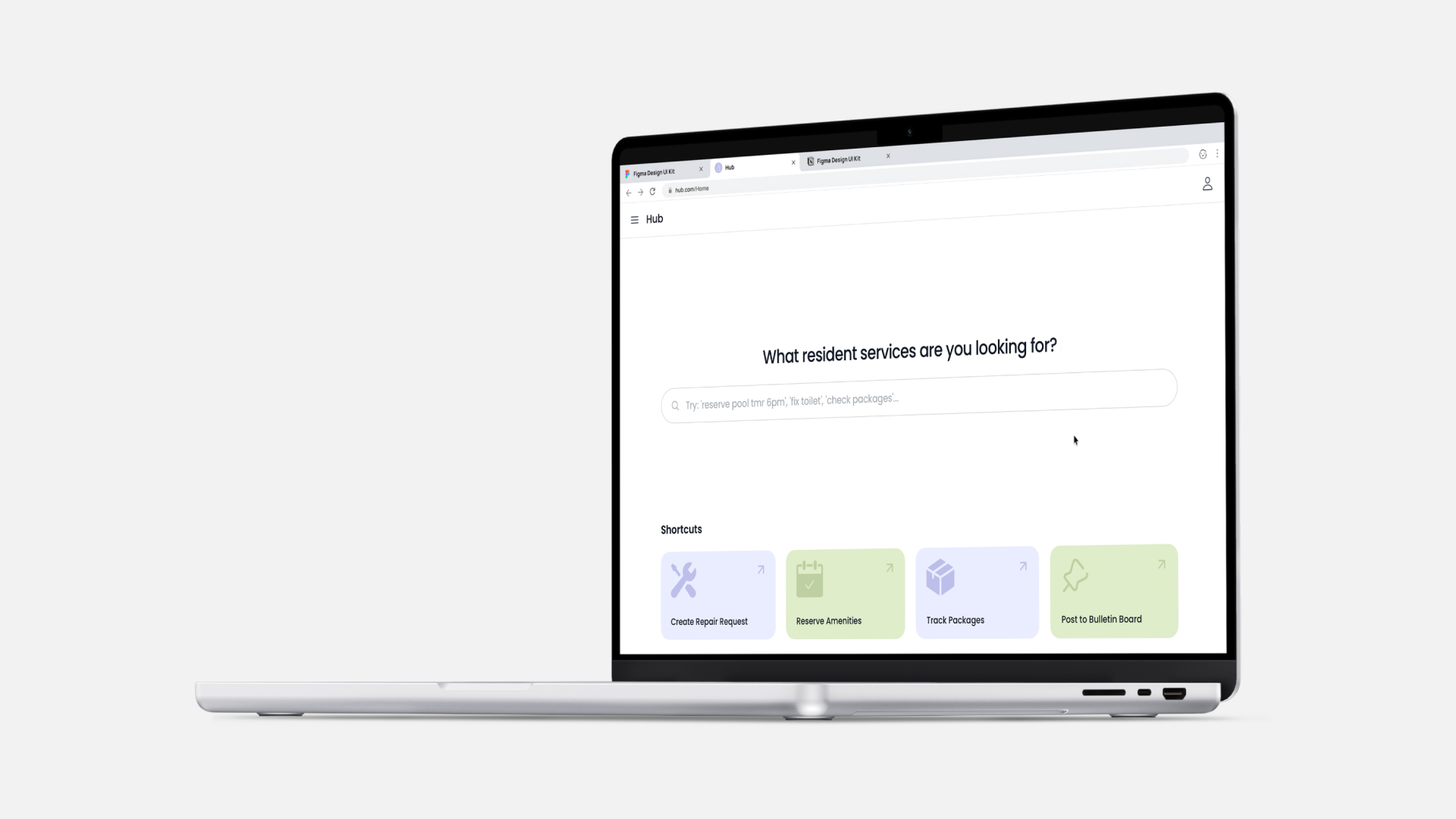
Hub is a resident services platform inspired by BuildingLink that unifies essential services such as submitting repair requests and reserving amenities into one simple, cohesive experience for residents. The project was initially designed in Figma and delivered as a functional website, with a high-fidelity, working implementation that demonstrates its core features in real usage. I owned the project from concept to production, leading all design and front-end development.
Launch Video

Why Skylow

The Limits of Traditional Video

Traditional video is built around passive consumption, offering a static, one-size-fits-all experience that limits engagement and personalization. Viewers can watch, pause, or scrub, but they cannot interact, ask questions, or shape the experience in real time.

Reimagining Video as an Interactive Experience

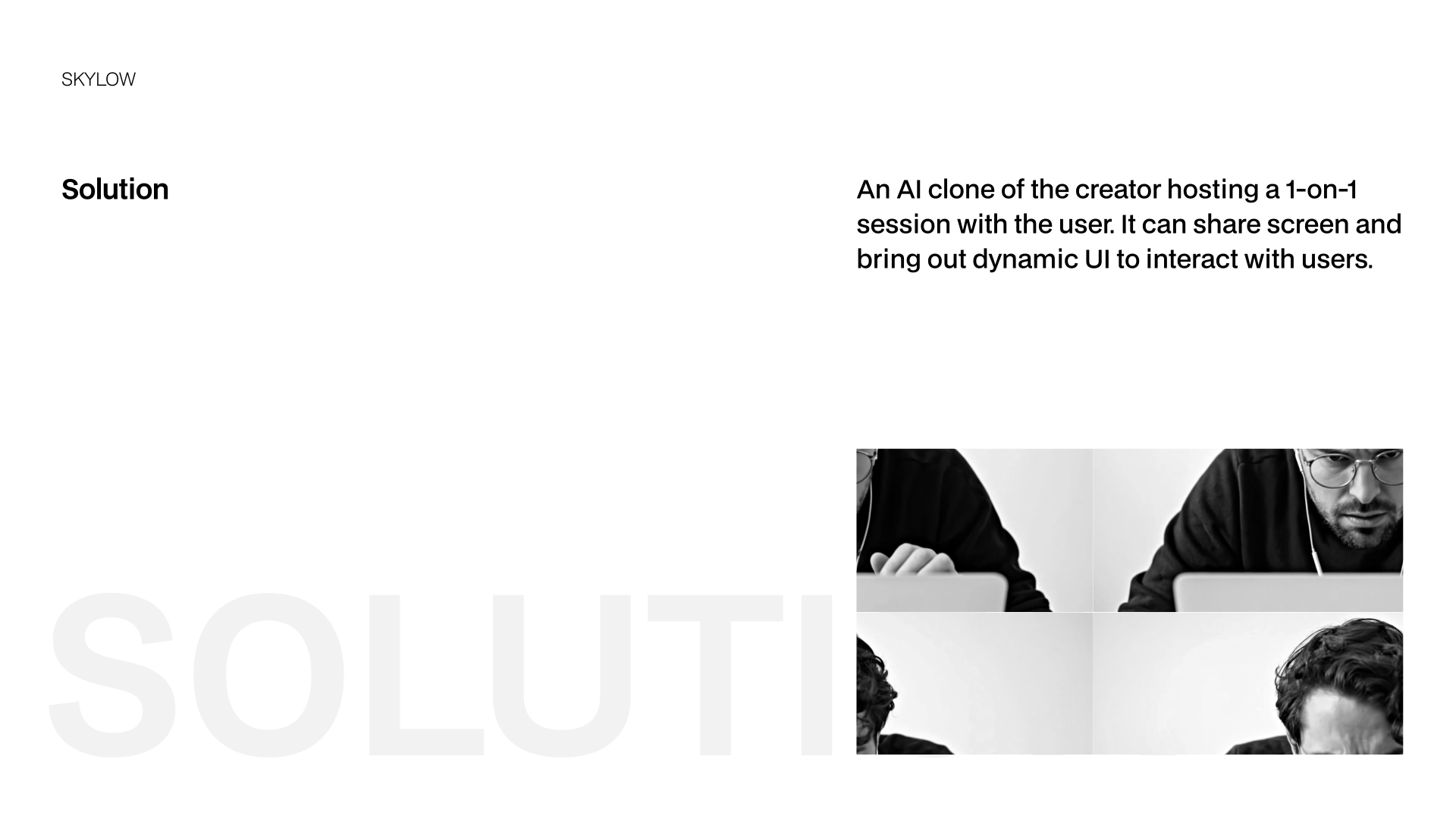
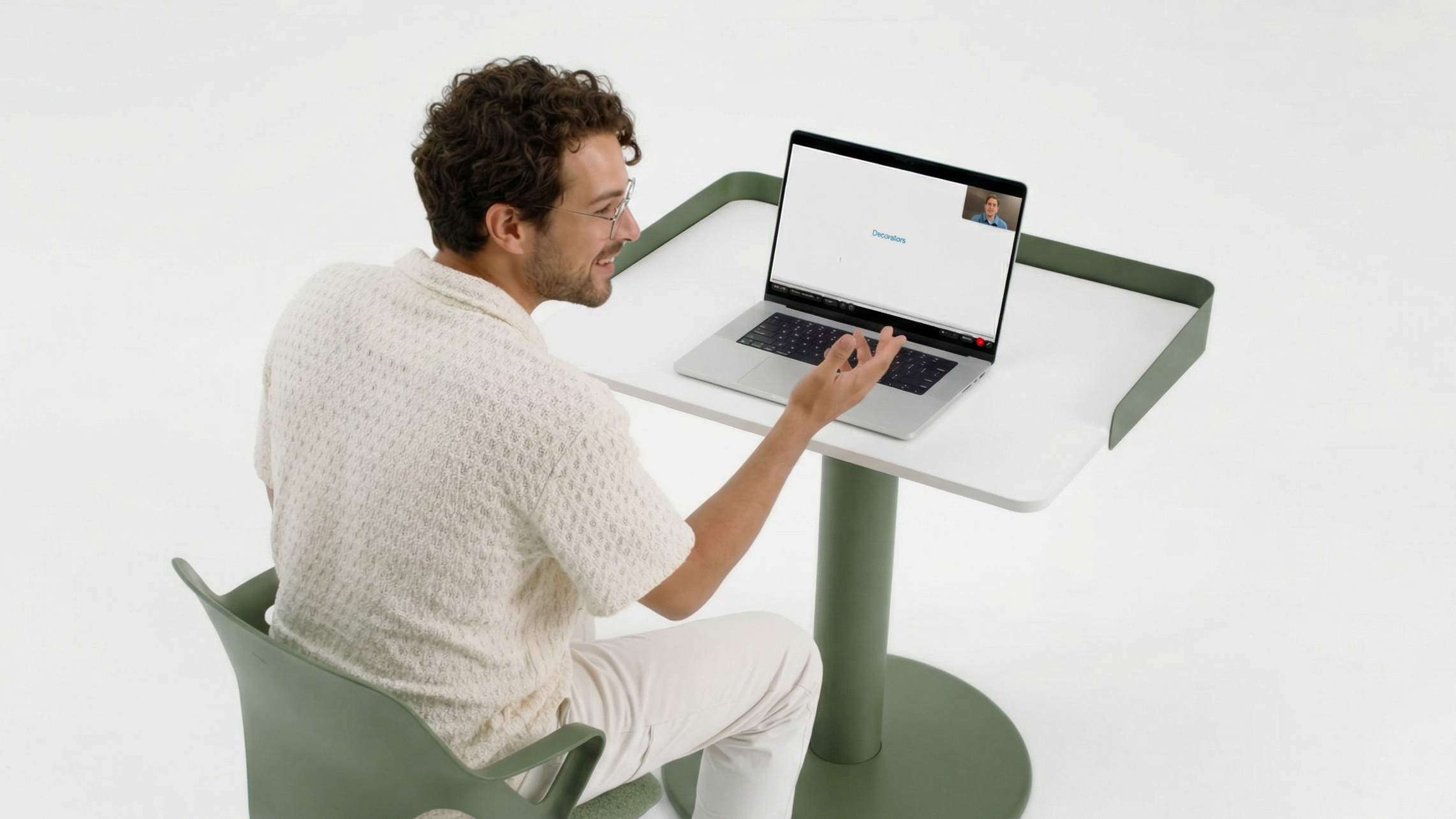
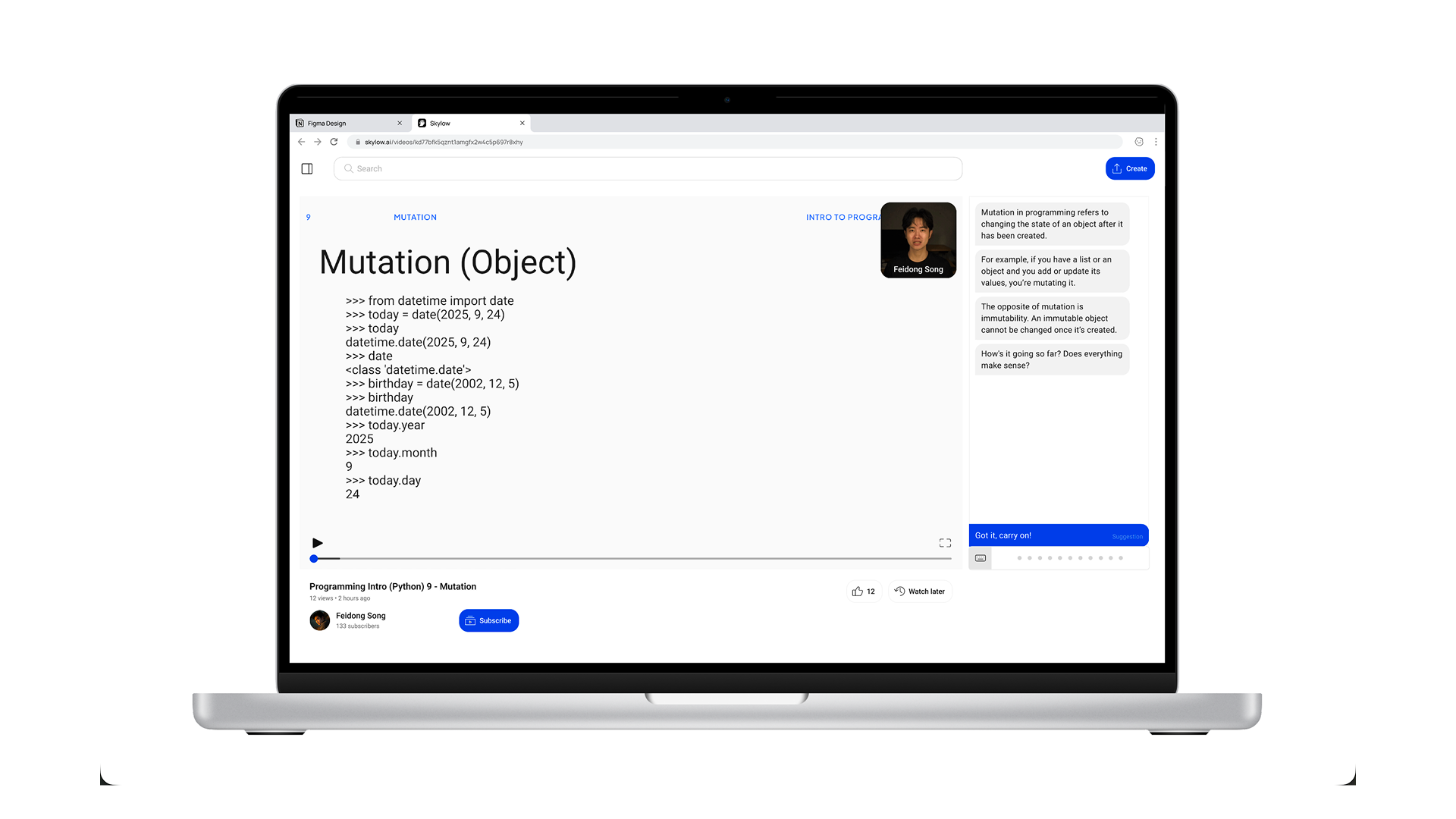
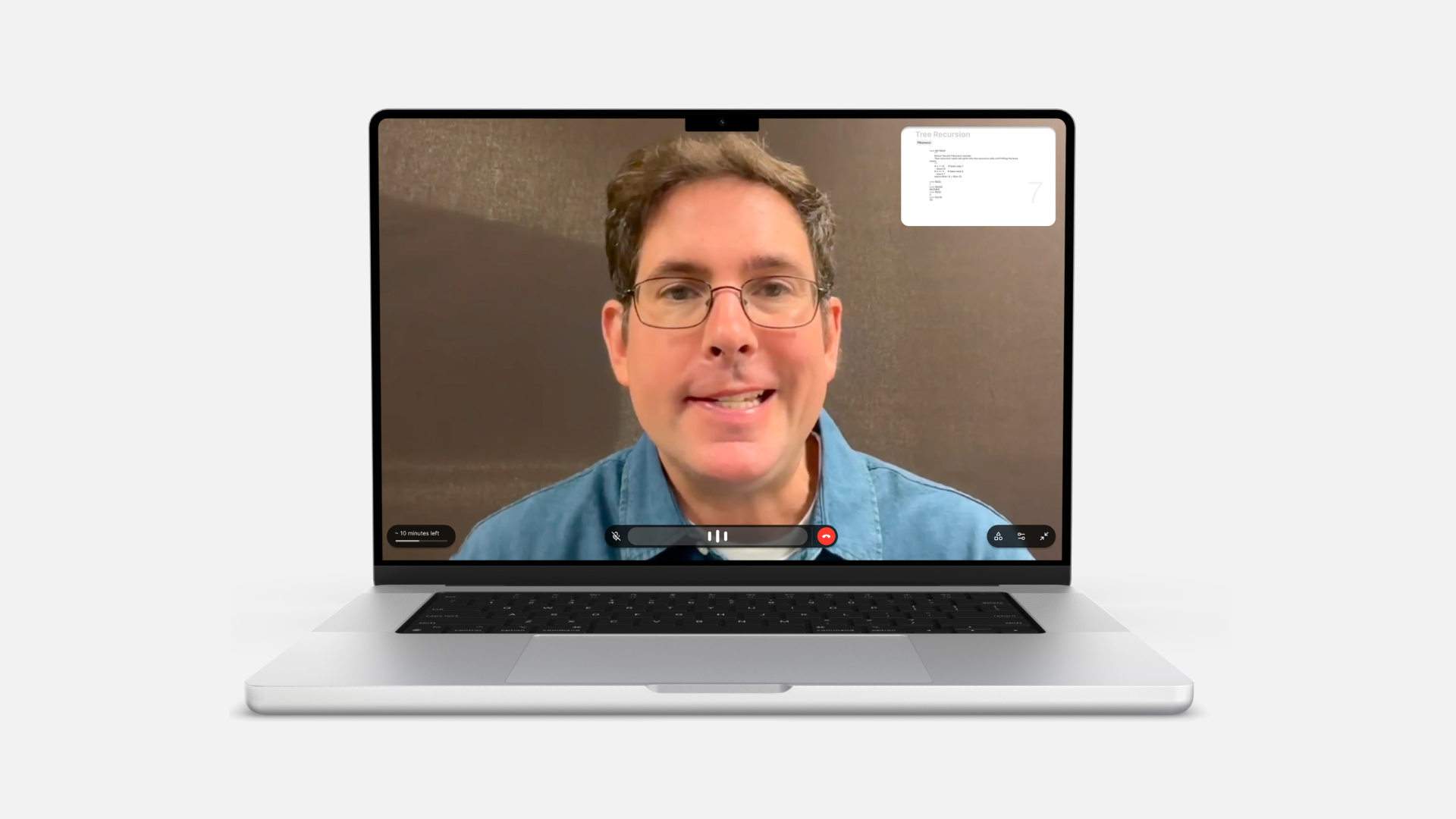
Skylow offers a solution to reframe video as a live, conversational experience. By presenting an AI clone of the creator in a one-on-one session, the experience supports real-time conversation, contextual screen sharing, and dynamic UI responses. This allows the interface to adapt to user intent moment by moment, turning video into an interactive surface where understanding is built through conversation.

01

Interactive

Ask questions, debate, write code, or draw with AI agent.

02

Personalized

Customize conversation language, style, anything.

03

Memorized

Form friendship with creators through common memories. The more you use, the better the experience.

Conversational Video Flow

Reimagining Video as an Interactive Experience

Skylow reframes video from a passive playback medium into a conversational system designed around participation. Rather than optimizing for continuous watching, the experience is structured to prompt response, attention, and dialogue at key moments. The core objective was to shift user behavior from watching to engaging.

When Familiar Patterns Worked Against the Goal

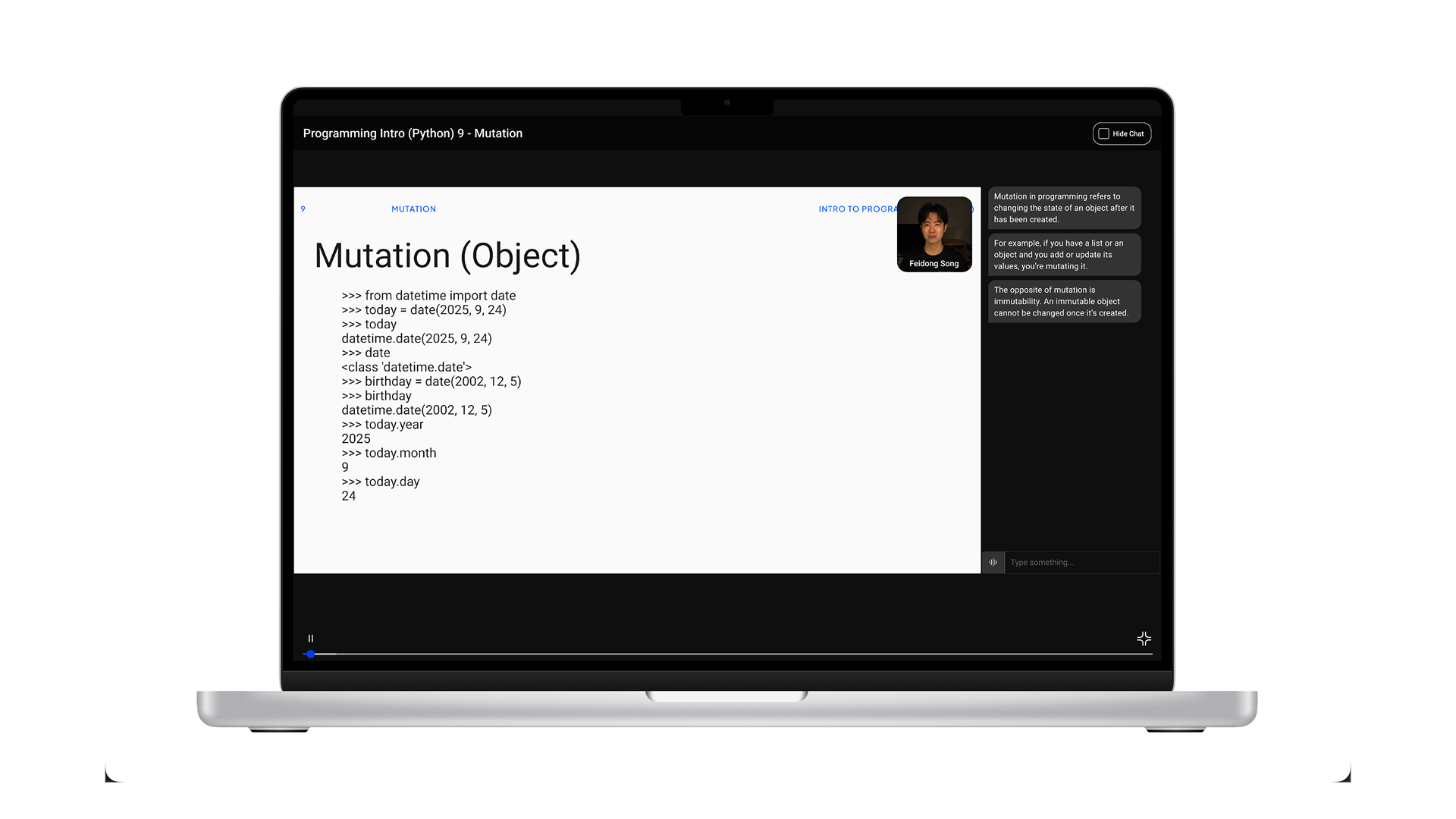
Rejected direction: A traditional video player with an adjacent chat panel.

Initial designs followed a conventional video player with chat panel on the side to adapt to the mental model user familiar with. However, this model reinforced passive consumption, positioning conversation as secondary. To align behavior with intent, we pivoted away from playback-centric patterns and reframed video as a turn-based conversational interaction.

Design against passive viewing behavior.

To solve the challenge, I made a set of coordinated interaction decisions to guide users to speak, respond, and interact instead of watching silently. Each element should reinforce the same message: this is a conversation, not just a video.

01

"Join" entry instead of “play”

Users join a session rather than start a video, reframing the experience as participatory from the first interaction.

02

No video progress bar

Removing the progress bar reinforces that the experience is not meant to be scrubbed, but engaged with in real time.

03

Live conversational feedback

Real-time audio wave indicators confirm that the system is listening, reinforcing conversational presence.

04

Call-inspired controls

A hang-up action replaces traditional playback controls, reinforcing conversational continuity over completion.

arrow pointing east

Demo: Start a Conversational Video

This video demonstrates how users start a conversational video session on Skylow.

Observed Shift Toward Conversational Engagement

The conversational interaction model led to more sustained, active engagement. In one observed session, a user remained engaged in a single conversational experience for over three consecutive hours, interacting continuously instead of skipping or scrubbing through content. In addition, users increasingly chose to speak directly to the avatar rather than rely on text input, treating the interaction as an ongoing conversation rather than a messaging interface. These behaviors reinforced the decision to prioritize conversational presence over traditional playback controls.

Creator Flow

Create and Manage Conversational Videos

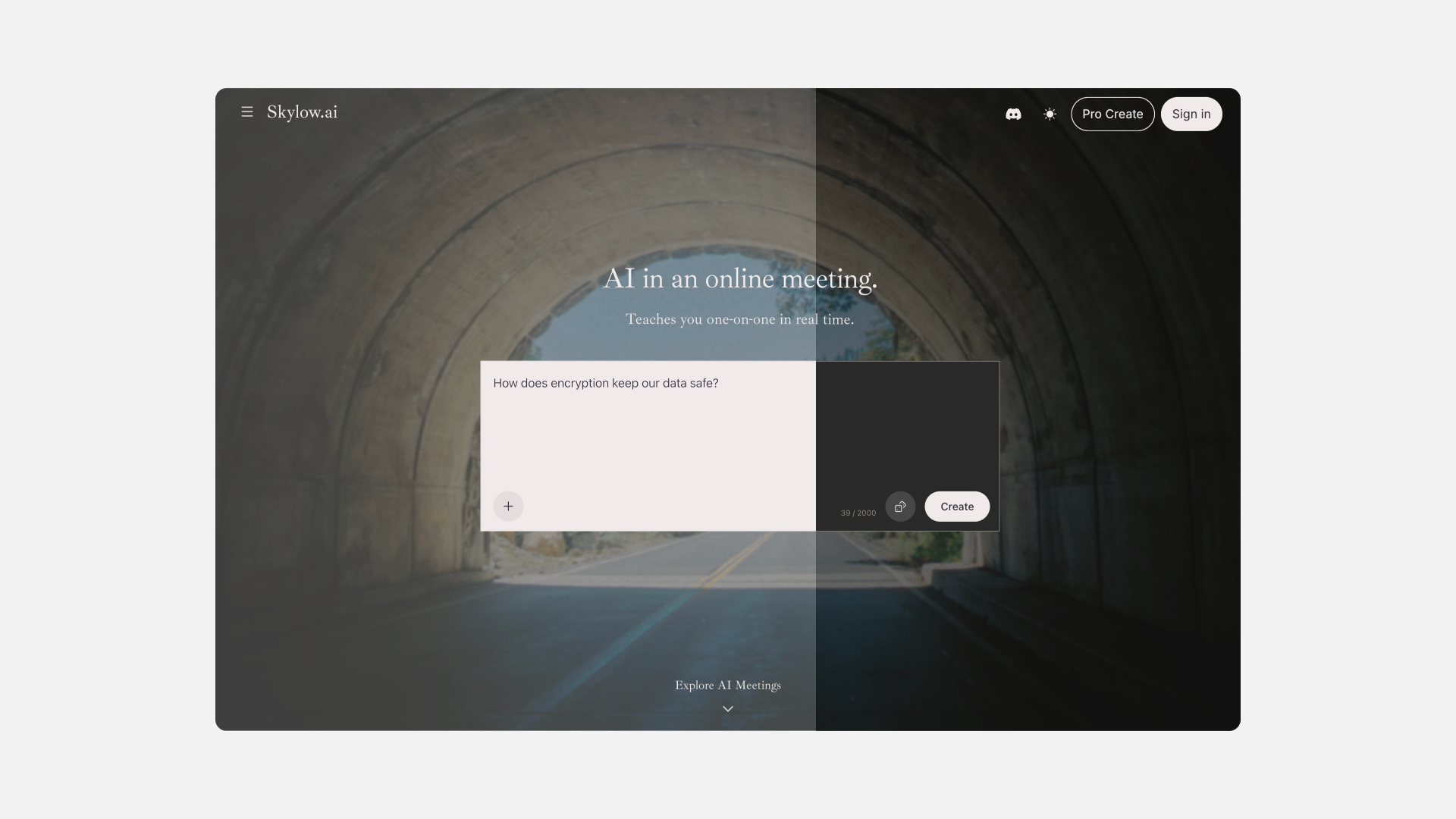
The Creator flow is central to Skylow’s experience, enabling anyone to become a creator by turning ideas into conversational videos through a compact and guided process. From the 'Create' window, users can upload an existing video or provide a PDF or text file for Skylow to automatically generate an interactive session. Each step — uploading materials, reviewing details, customizing thumbnails, and creating an avatar — is streamlined. Once created, videos appear in the Library, where users can manage, edit, or delete them.

arrow pointing east

Prototype: Create New Conversational Video

This prototype demonstrates the flow for creating a new conversational video using an existing video and an avatar.

Creators can open the 'Create' window from the top navigation bar. The process includes 1) uploading a video 2) review and edit details (title, description, thumbnail, and avatar.)
arrow pointing east

Prototype: Create New Avatar

This prototype demonstrates the flow for creating a new avatar within the 'Create' window.

The process includes three steps: 1) uploading a consent video 2) uploading a short training video 3) completing the persona information.

arrow pointing east

Prototype:  Manage through Library

This prototype demonstrates how creators can manage their conversational videos within the 'Library', where creators can view all uploaded sessions and statistics, edit details, or delete selected items.

More Screens

Brand Identity

A Future in Light and Dark

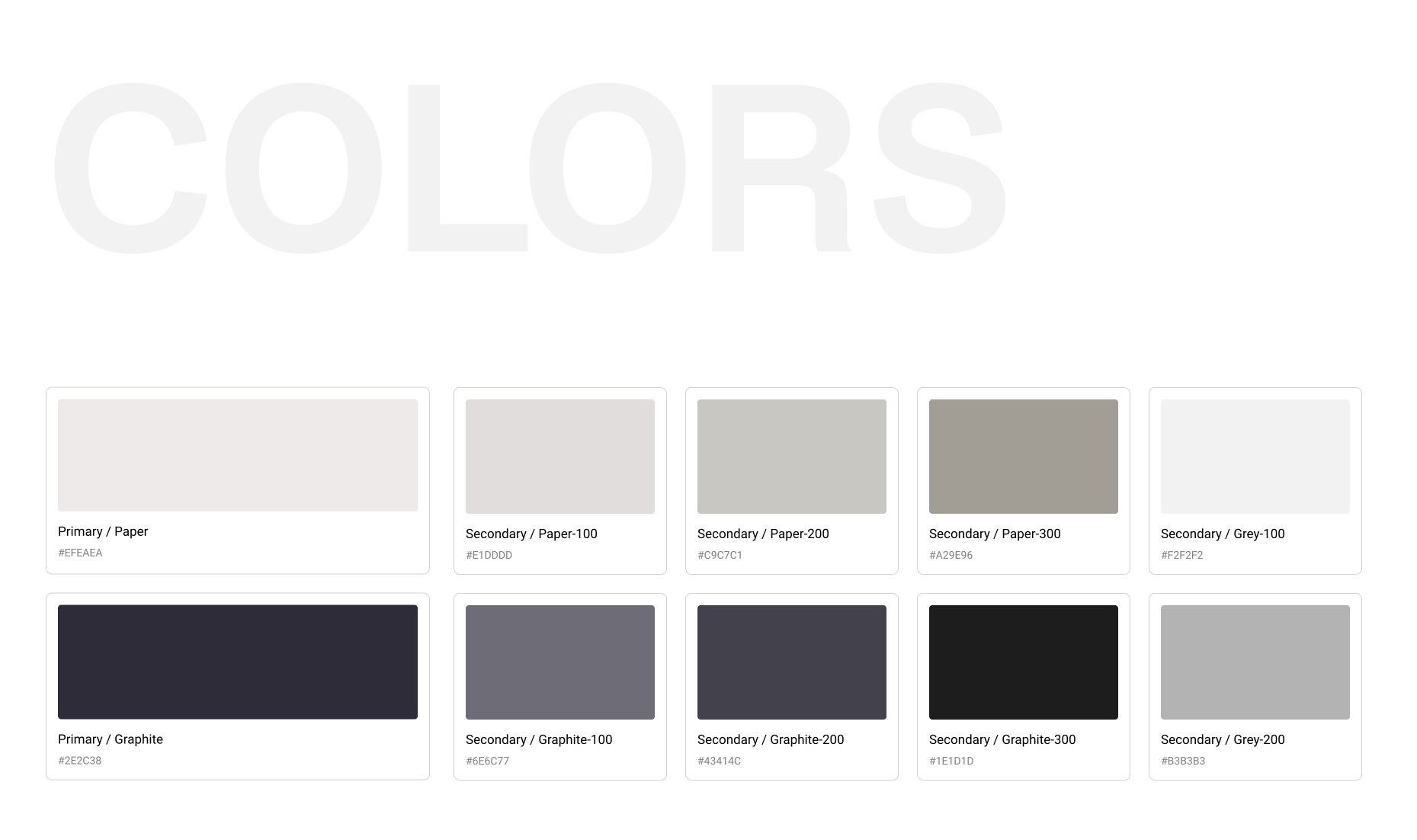
Skylow adopts Monochrome Futurism—a black-and-white, flow-driven aesthetic that reflects the platform’s focus on clarity, intelligence, and immersion. With minimal color and smooth transitional motion, Skylow feels futuristic without noise, guiding users through conversation in a focused environment.

Built Around Interaction

The logo features an abstract figure with a headset, symbolizing communication between humans and technology. It reflects Skylow’s belief that conversation is the most natural and intuitive form of interaction.

Design System

Short

Context

Too Much Information, Too Much Fatigue

Today, people are saving more information than ever. Devices offer way more storage than before, and cloud services make it easy to save everything. But the more saved, the more need to manage. Despite having tons of productivity tools around us, from calendars to to-do lists to voice memos, many people still report feeling overwhelmed. This is because many of those tools still require decision-making on things like labeling, structuring, and prioritizing, which actually drains energy and leads to cognitive fatigue.

Solution

Human Talk, System Work

Cactus is built on the idea that people shouldn’t have to organize their thoughts while they’re still forming them. Instead of asking users to decide structure upfront, Cactus allows for natural expression first through speech or text while the system takes responsibility for understanding, organizing, and presenting information. This approach doesn’t reduce functionality; it redefines the division of labor between humans and AI, lowering cognitive load at the moment of input and surfacing clarity later, when users are ready to reflect and act.

Conversational AI & Voice interaction

Allows storing and retrieving anytime anywhere through conversations

Auto categorization & prioritization

Reduces the need for manual input and labeling or prioritizing tasks

Minimal visual design & interfaces

Prevents overwhelm and makes the experience quiet and focused

Core

arrow pointing east

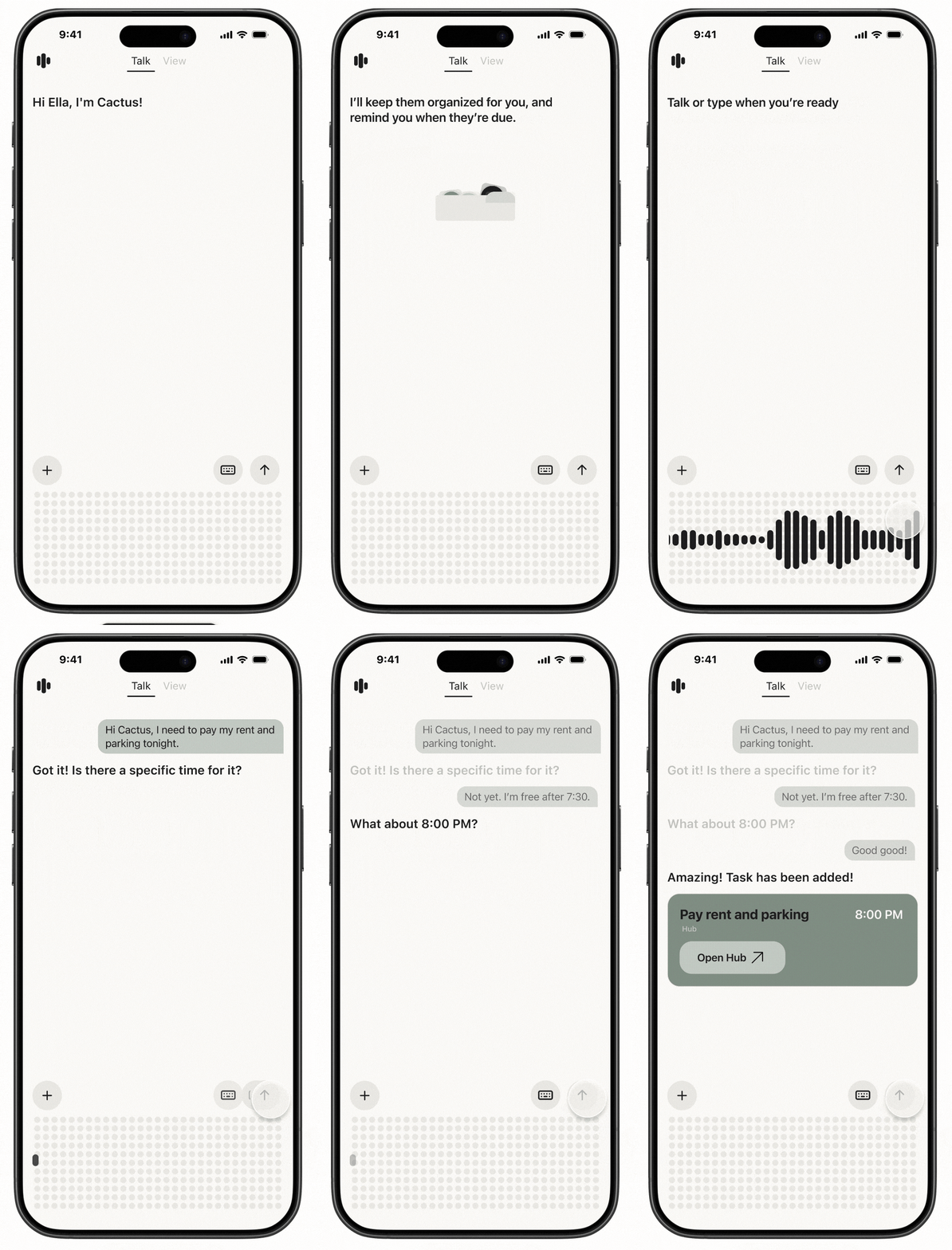
Talk

Upon entering the app, users arrive at the Talk screen, the central space for interaction, where they can create new tasks or information simply by talking to Cactus. This solves a key problem: even when users don't want to think, they can still offload thoughts. For first-time users, a brief onboarding moment introduces how Cactus works and sets the tone for a low-friction, voice-first experience.

arrow pointing east

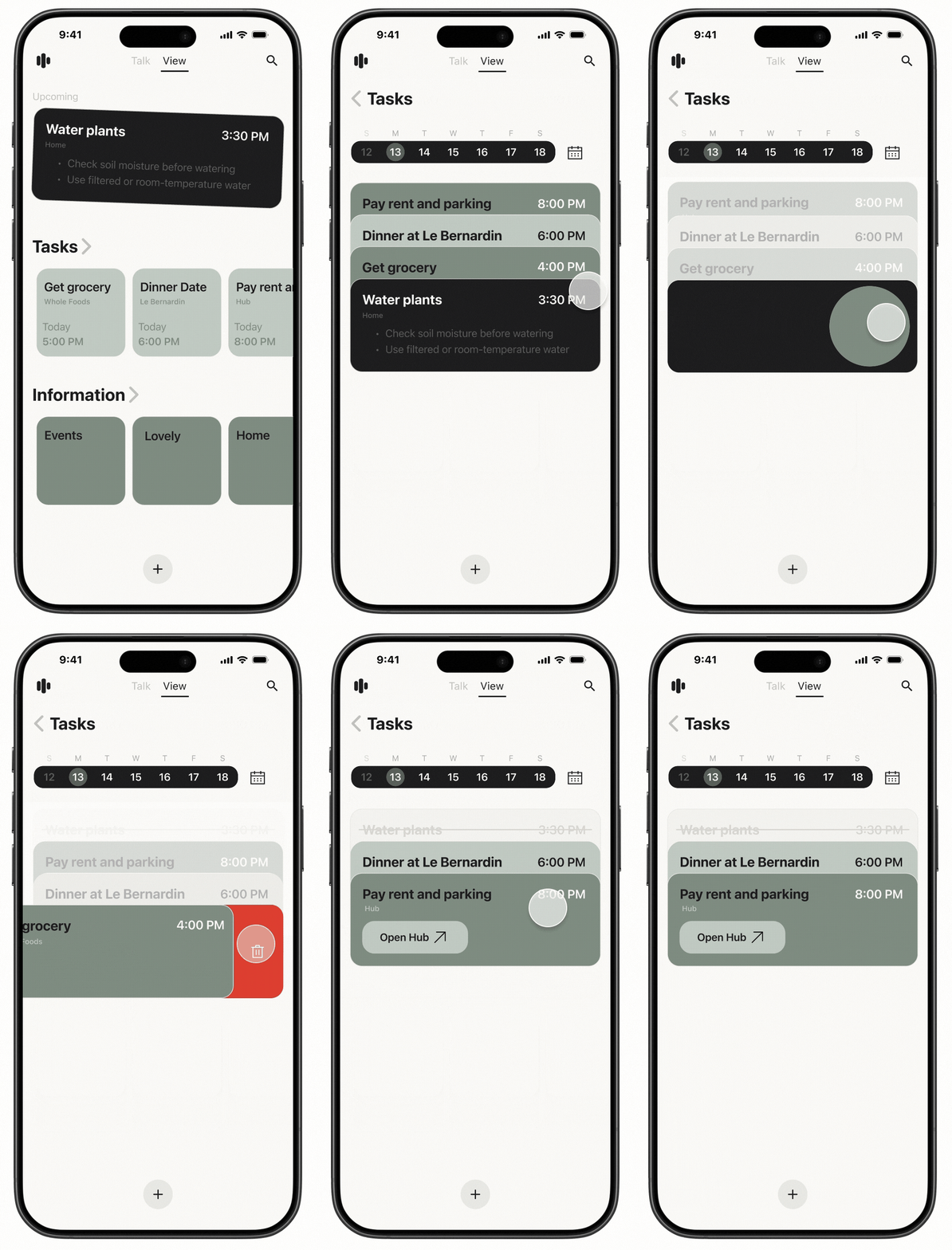
View

By swiping to the right, users can toggle to the View screen. Unlike the conversational nature of the Talk screen, View supports a more intentional mode of thinking. Here, users can visualize what they’ve captured: tasks are laid out in a clean, card-based interface, making it easier to scan, prioritize, and re-organize. This mode is especially useful when users want a sense of control, clarity, or overview.

Future

When AI Becomes a Long-Term Presence

Rather than proposing a set of future features, the future of Cactus explores a more organic, long-term relationship between humans and AI. As AI becomes part of everyday life, it starts to feel less like a tool and more like something we live alongside. Through Cactus, users can upload and clone their own voice, allowing voice to become part of a global exchange. A stranger might receive a Talking Cactus that speaks in someone else’s voice. This raises questions about how voice-based AI systems might create unexpected connections in an increasingly digital world, where human relationships often feel more distant.

Introducing The Talking Cactus

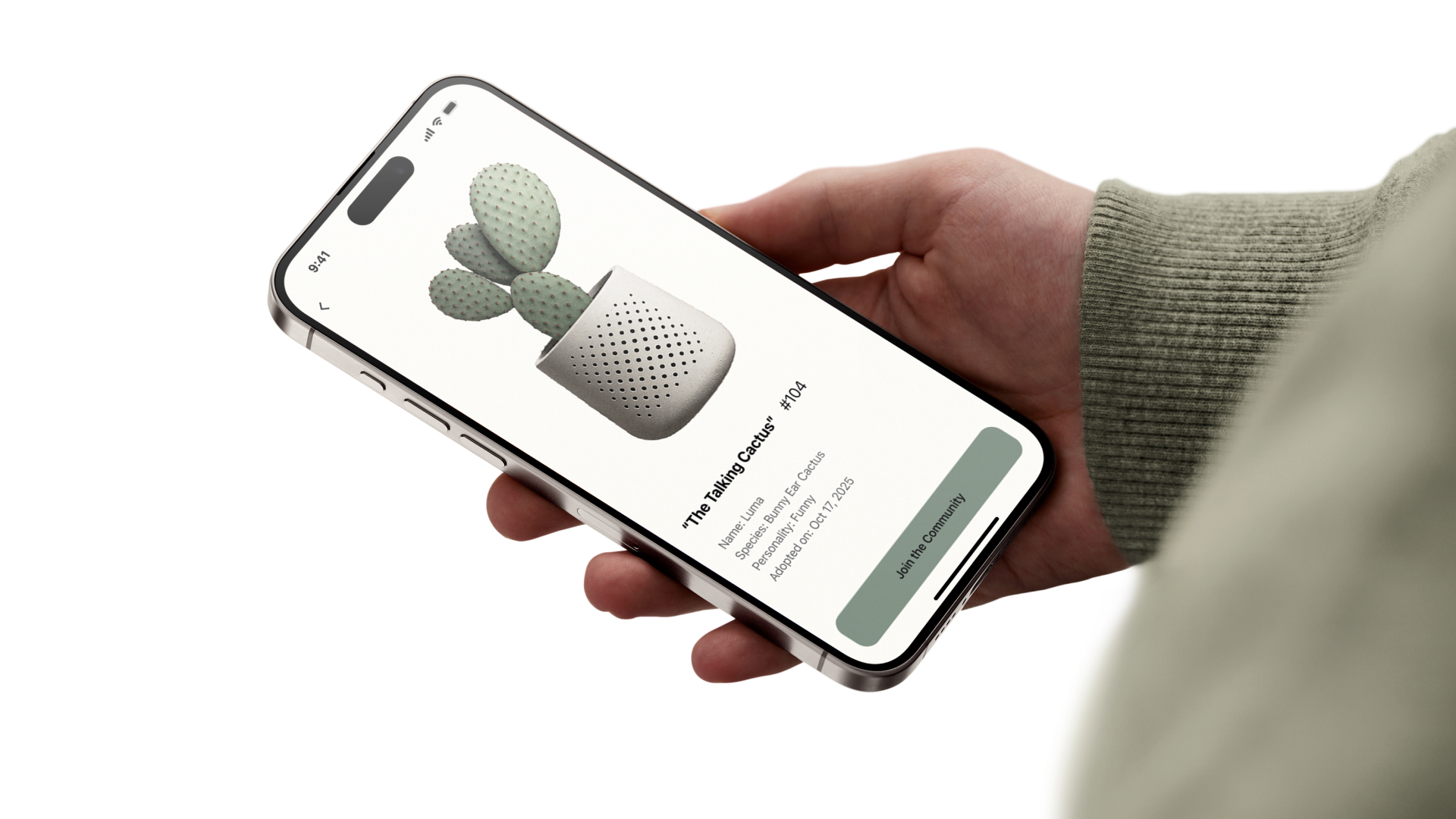
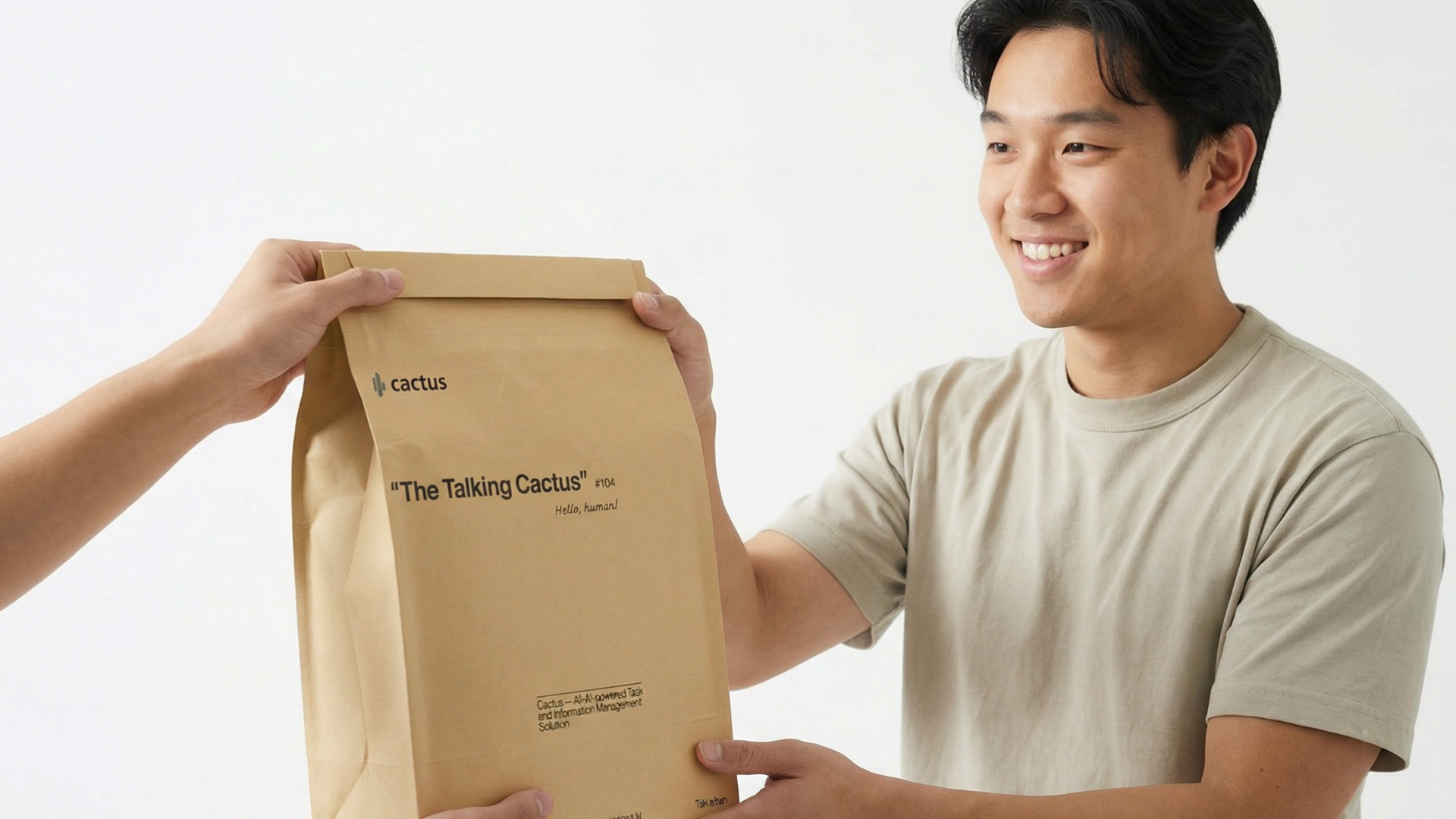
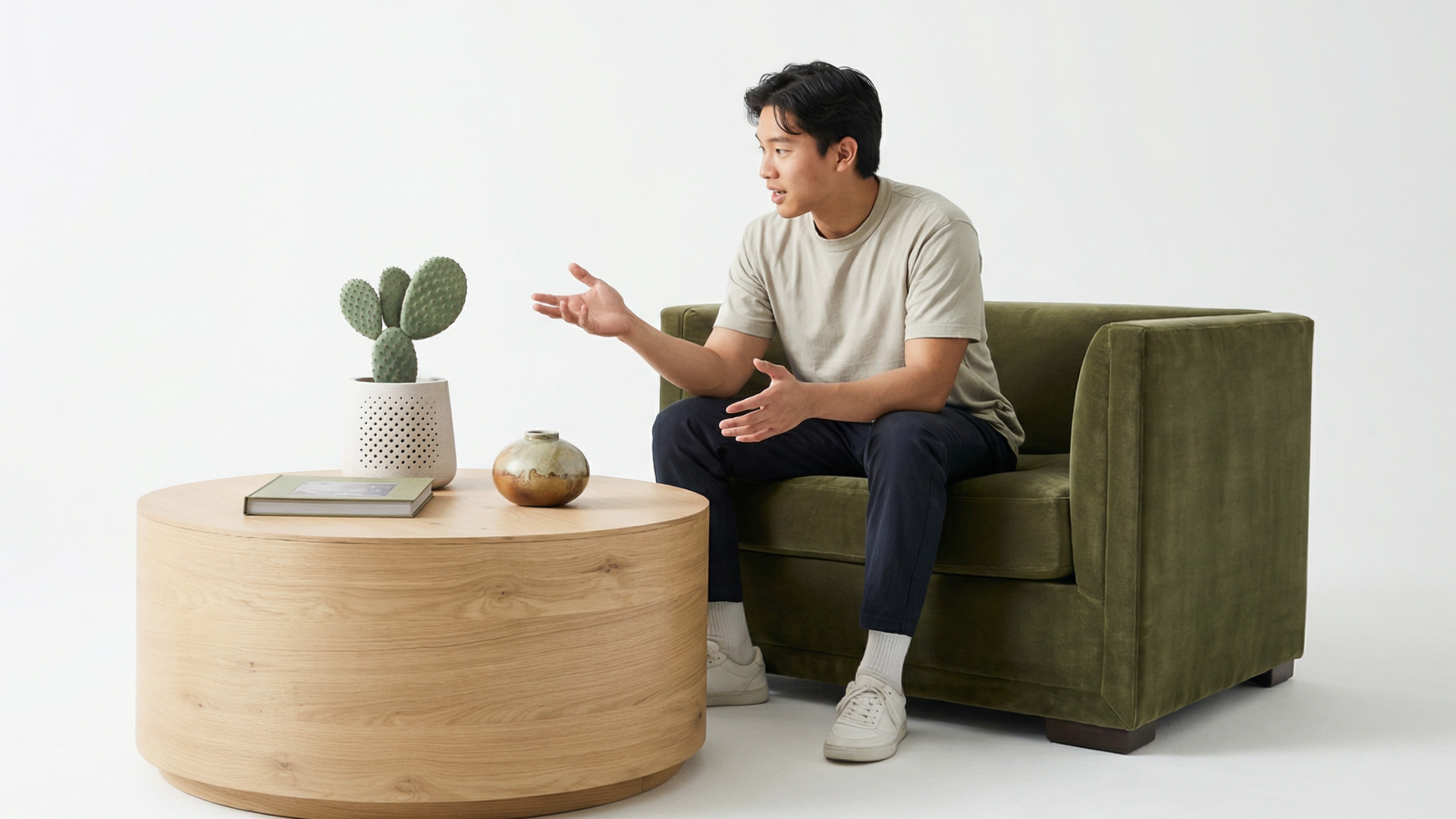
The Talking Cactus is a living form that extends beyond the app. It is a real cactus that speaks, listens, and grows with user.

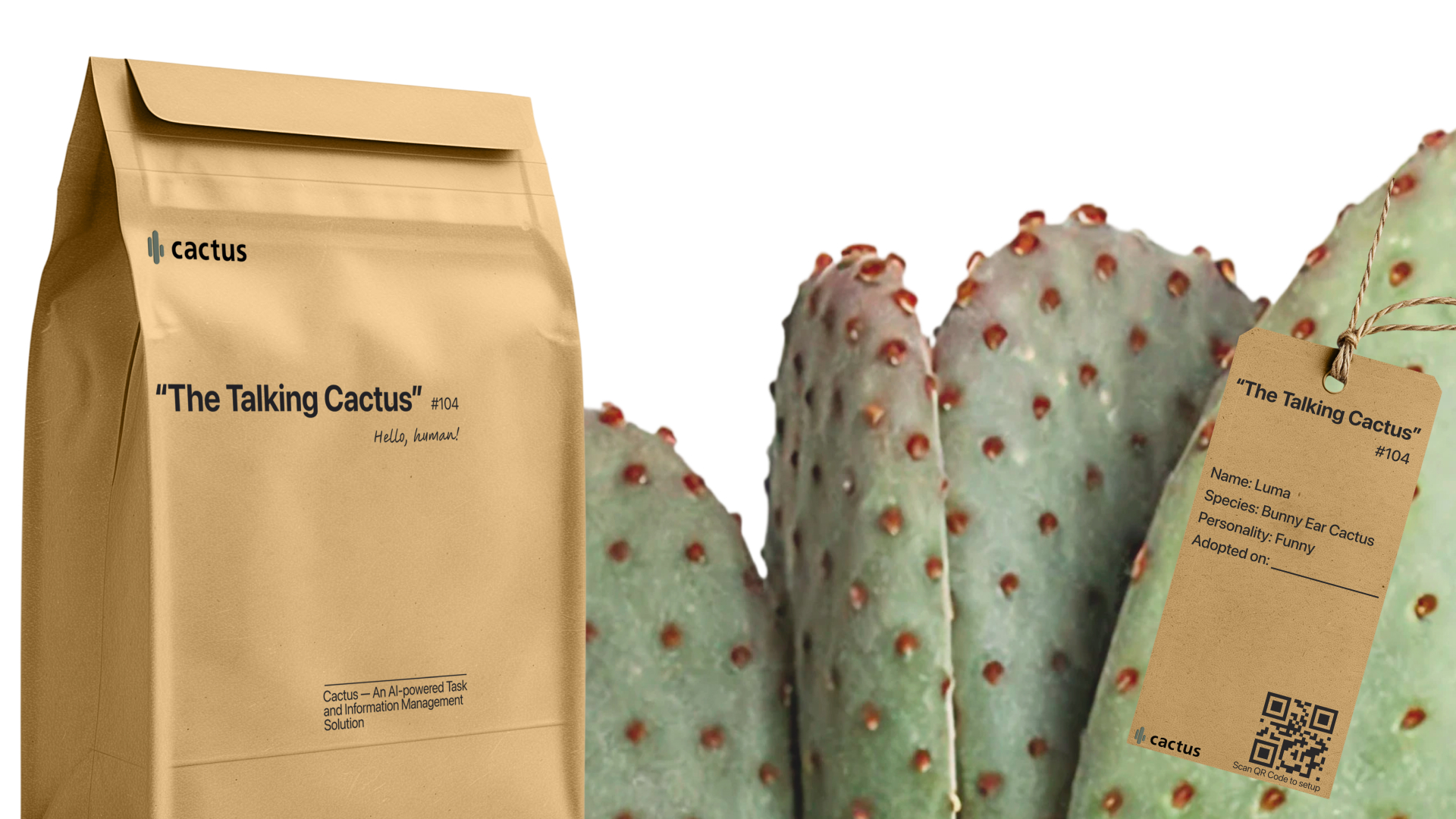
Unlike devices such as Alexa or HomePod, each Talking Cactus is unique and truly alive that needs care and attention. The type of cactus user receive is a surprise, revealed only when it arrives.

Every Talking Cactus comes with a custom ID card and care instructions.

Design System

Try it

Observation

Task-first mindset: Residents want to get things done quickly

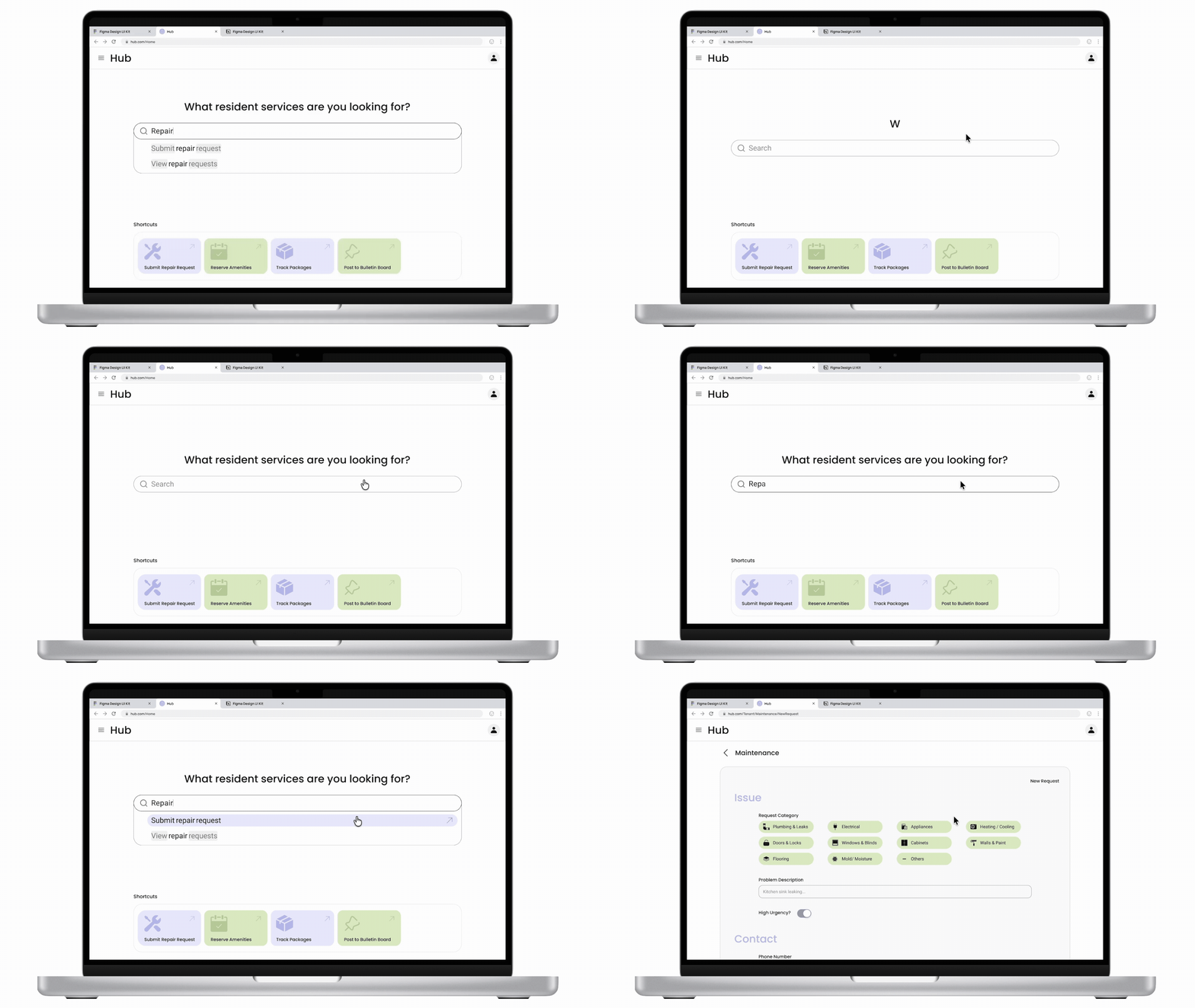
Through user interviews with apartment residents, I discovered that most residents open service platforms with a specific task already in mind. They’re not exploring. They just want to get something done quickly. This behavior reveals a need for fast, low-friction entry points that allows them act immediately without thinking and unnecessary clicks.

However, many existing platforms bury simple high-frequency tasks like submitting repair requests or reserving amenities behind multiple layers, increasing time-on-task and user frustration.

User Persona

How Might We

How might we help residents get things done faster and easier in one space?

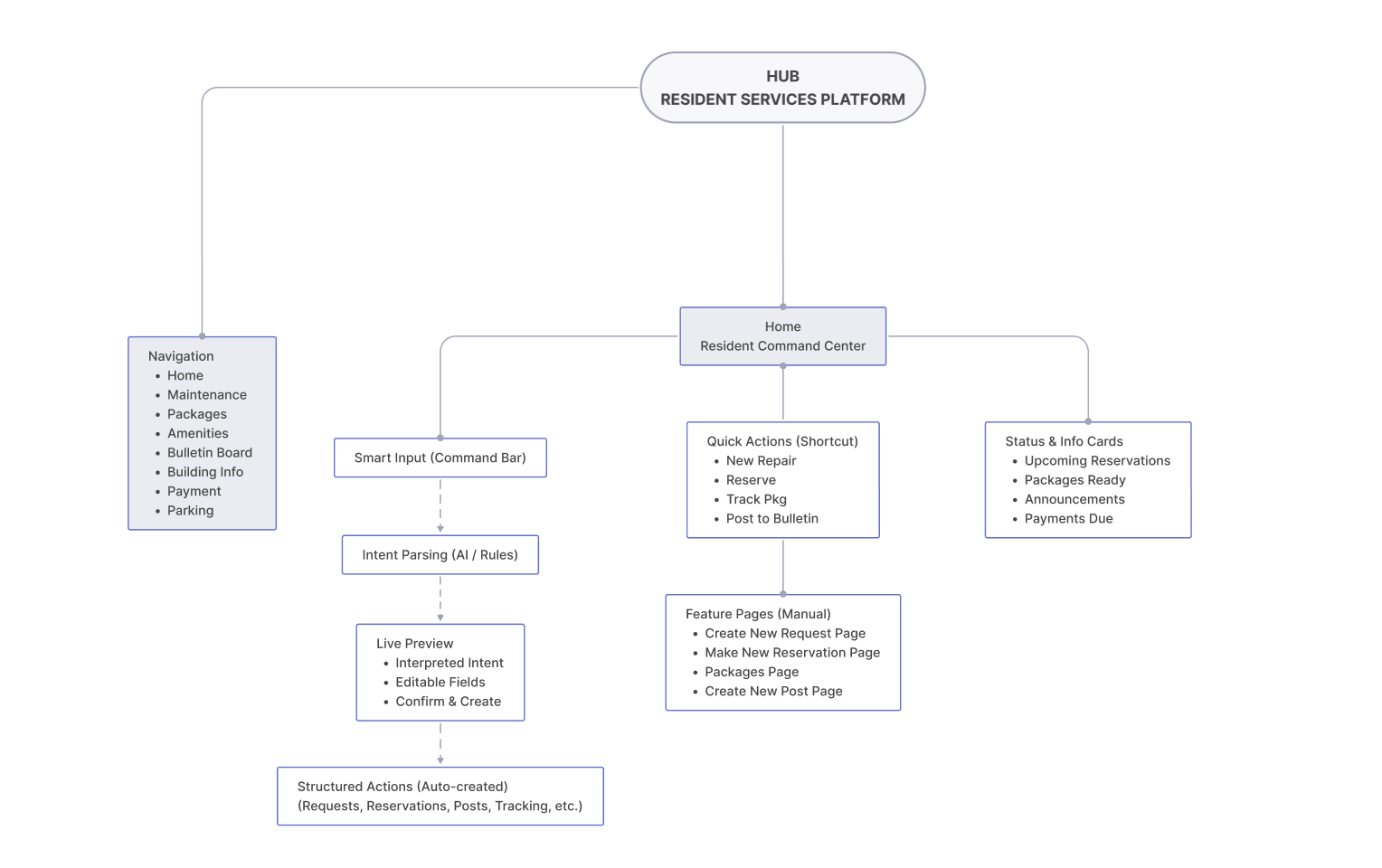
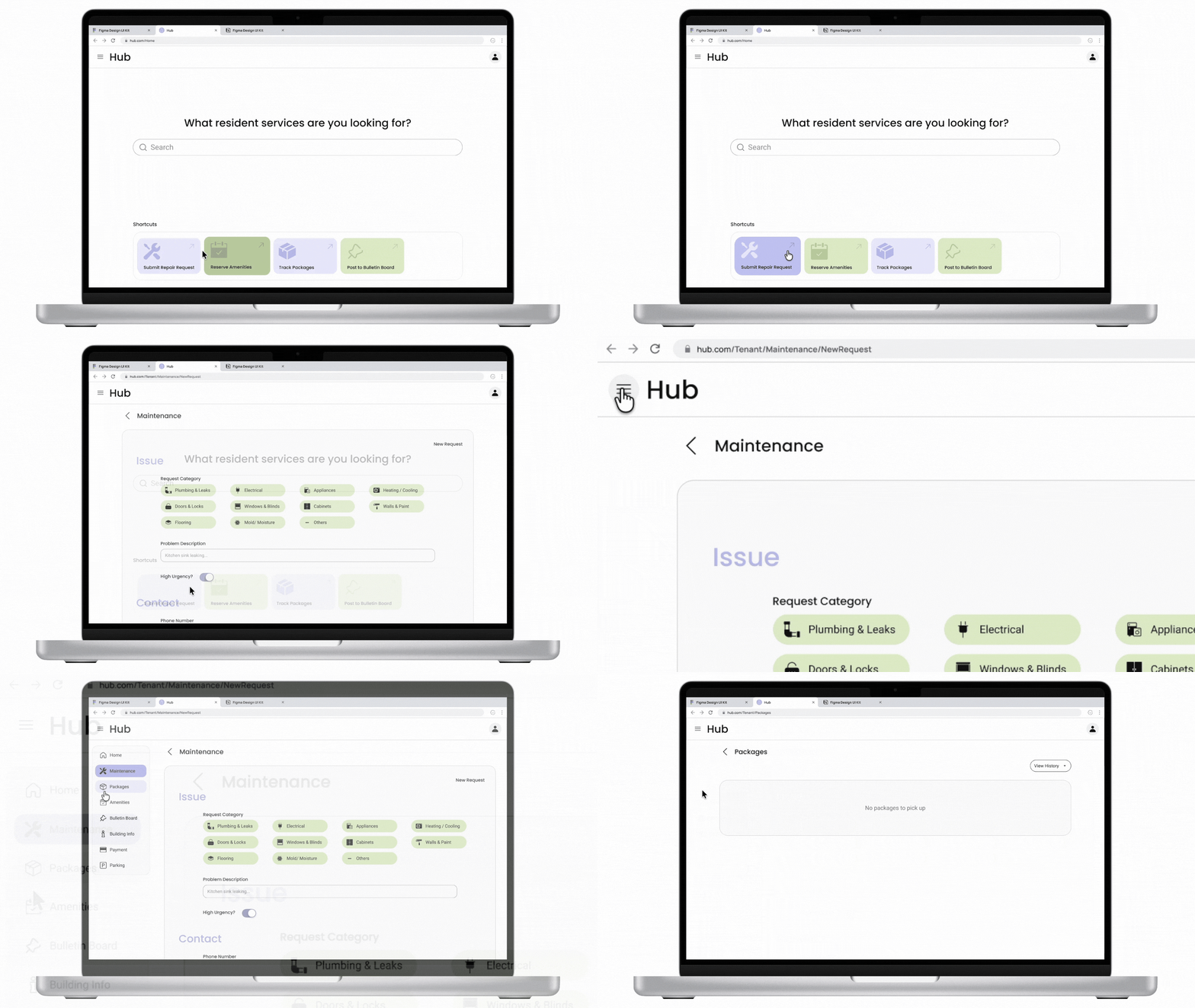
Living in a residential community, residents often need to submit maintenance request, track packages, or reserve amenities. Inspired by existing platforms like BuildingLink, I designed Hub, a  resident services platform that allows residents to find information and take action fast and easily through a simple flow, modern interface and consistent system.

Design Objectives

001 Simplify Workflow

Make high-frequency tasks accessible within one or two steps and offer flexible paths that accommodate different user habits

002 Reduce Confusion

Use clear hierarchy, intuitive iconography, and concise language aligned with modern user expectations and mental models

003 Build a Visual System

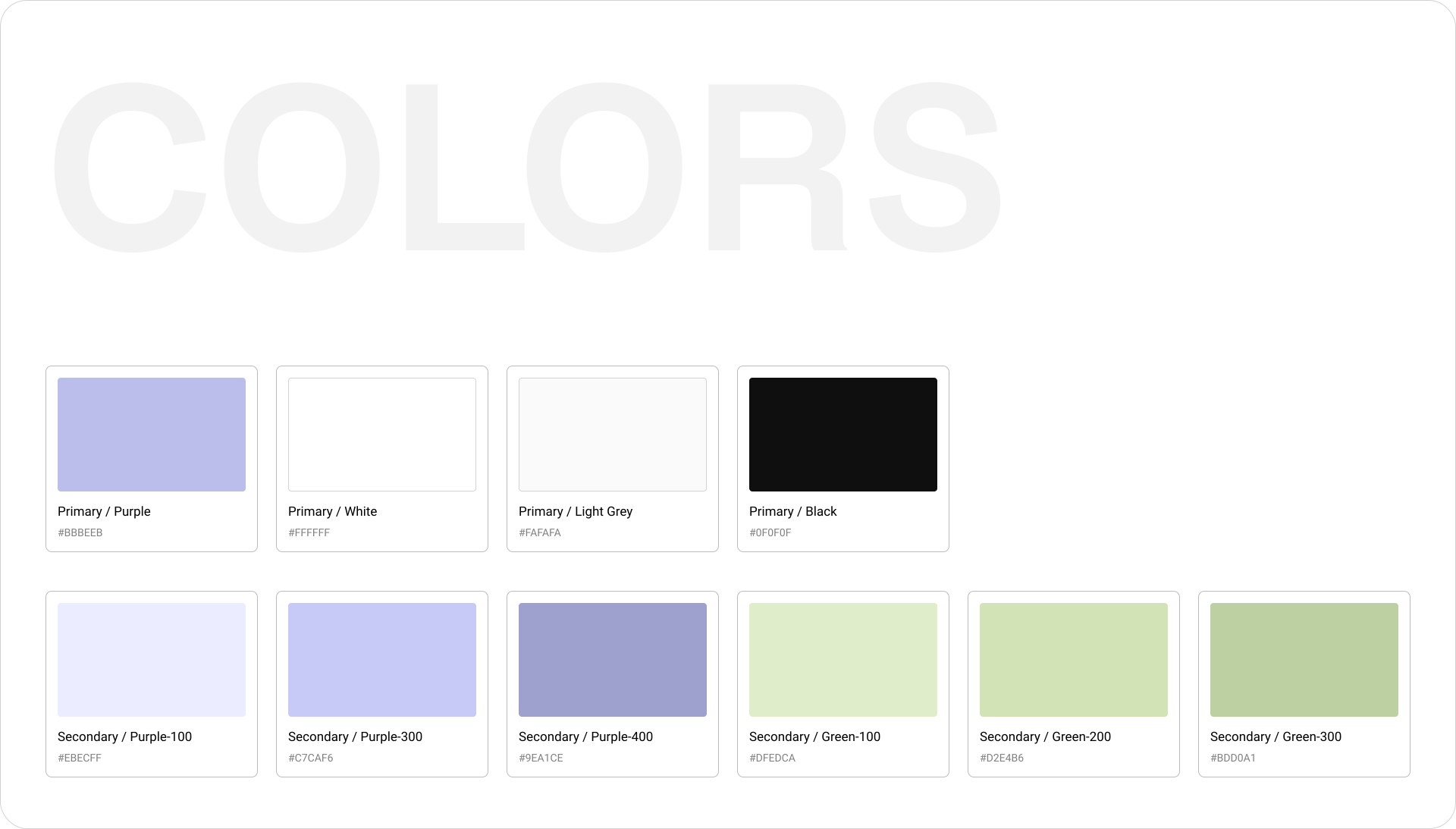
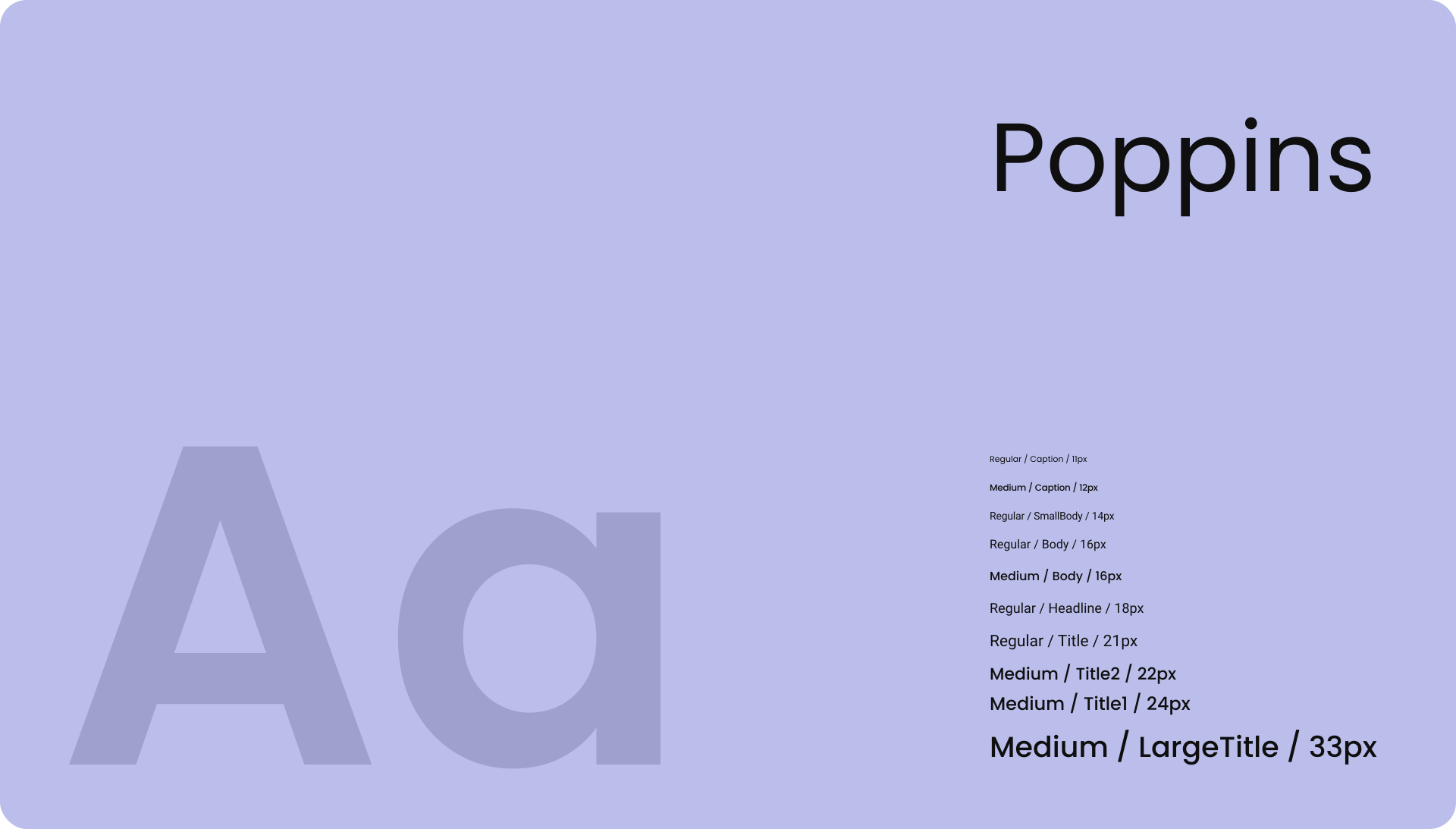
Ensure consistency across all modules through shared patterns, balanced spacing, and a unified visual rhythm

Major Design

arrow pointing east

Search or Browse

Hub allows users to access services in the way that feels most natural to them either by searching or by browsing. This approach reduces cognitive friction and supports different user behaviors.

More Screens

Design System

Try it

Recording

Concept

Exploring Motion as a Narrative Device

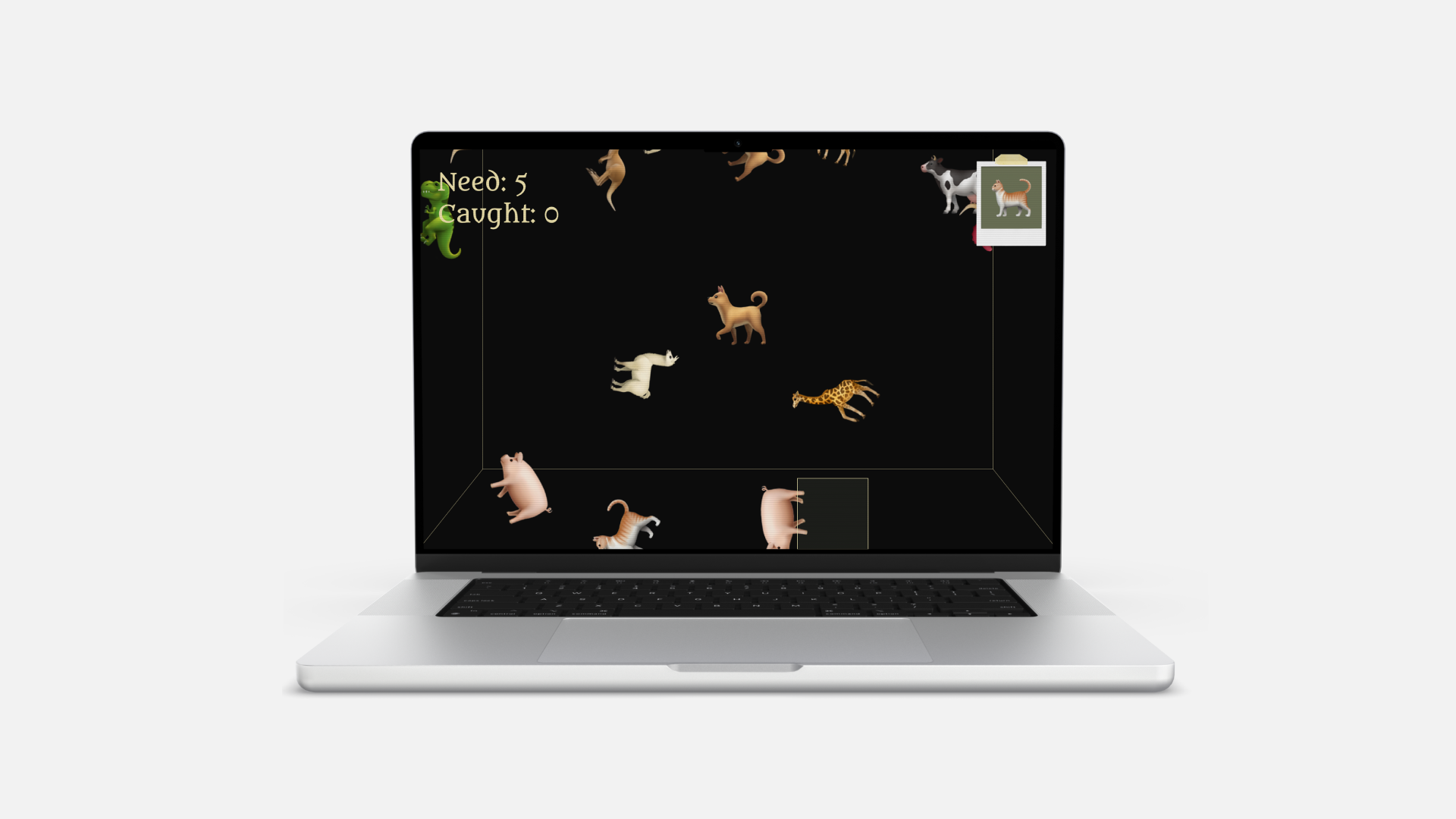
Inspired by Shiffman’s Nature of Code, Wanted simulates physics (gravity, collision, randomness) through computations, composing a playful experience that lets motion tell its own story.

Design System

Try it

Recording

Concept

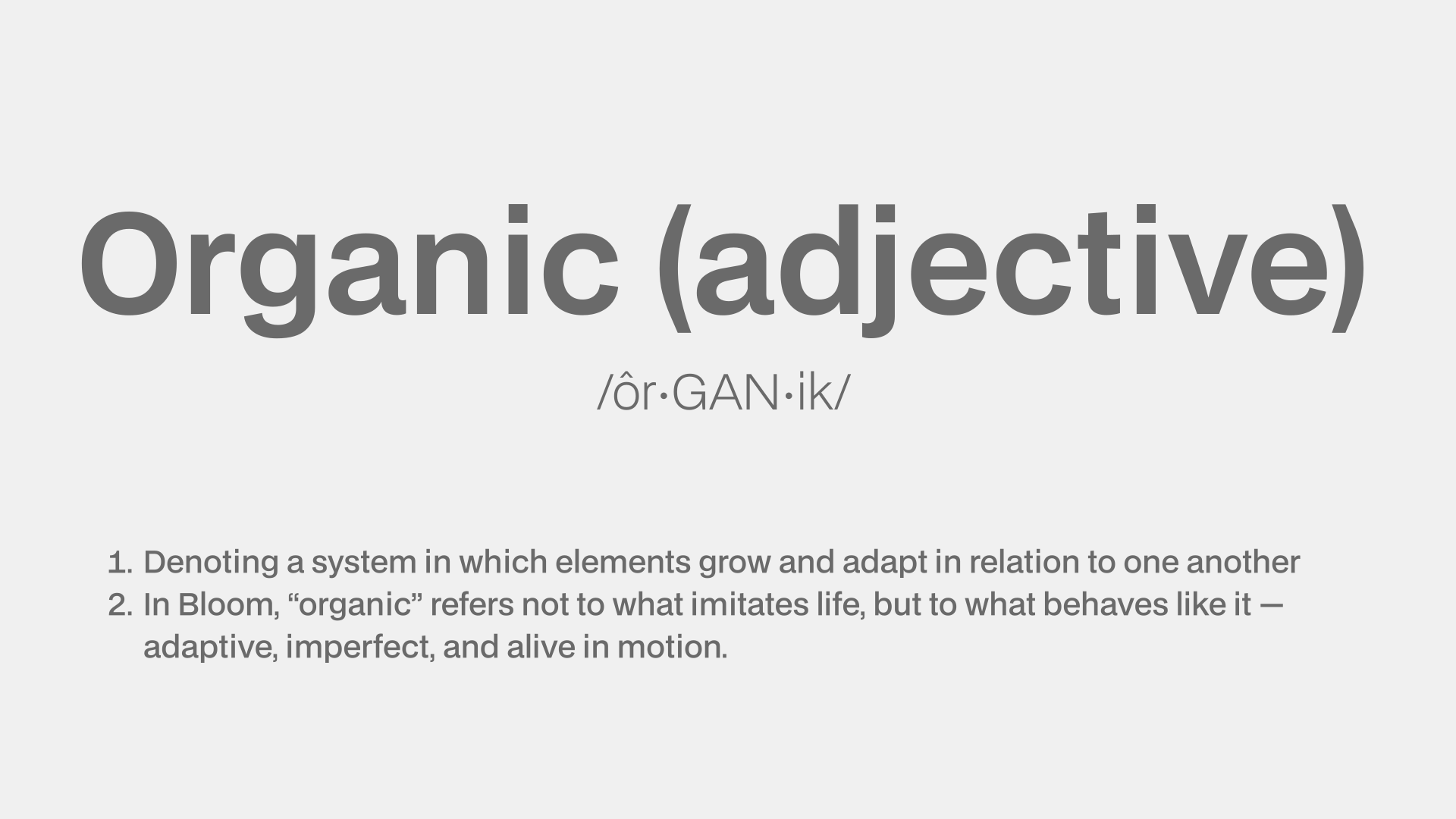
Can Code Create Something Organic?

The project began with this question.

Approach

A Canvas where Computations Give Rise to Organic Creation

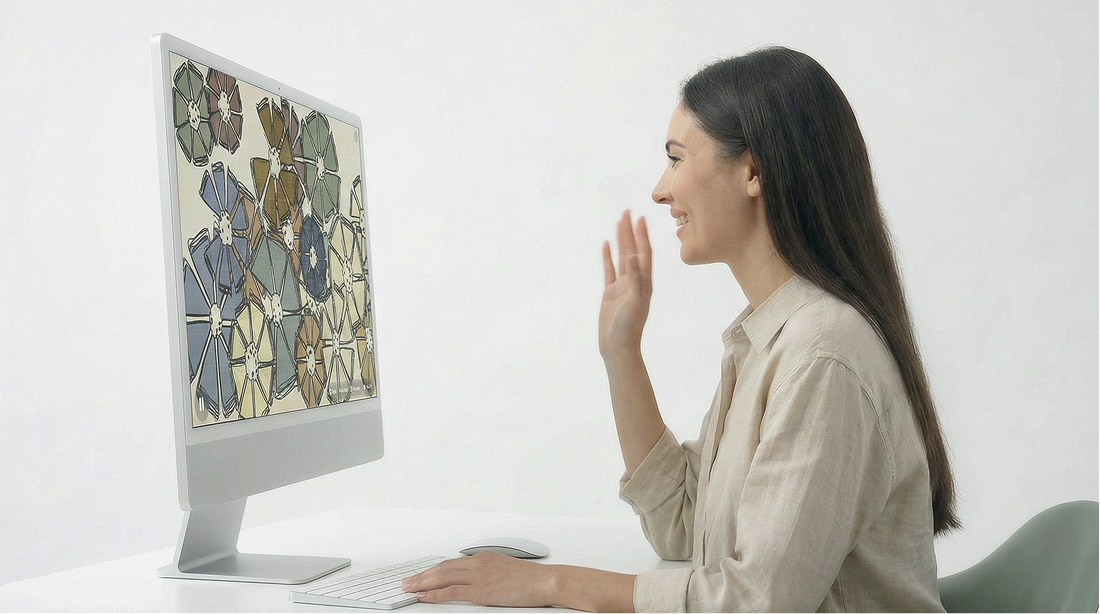
Bloom examines how algorithms can move beyond control and precision toward behaviors that feel grown rather than designed. It treats code as a living system — one capable of mutation, inheritance, and emergence — suggesting that the digital, too, can act as nature does: imperfect, adaptive, and alive.

arrow pointing east

Shapes

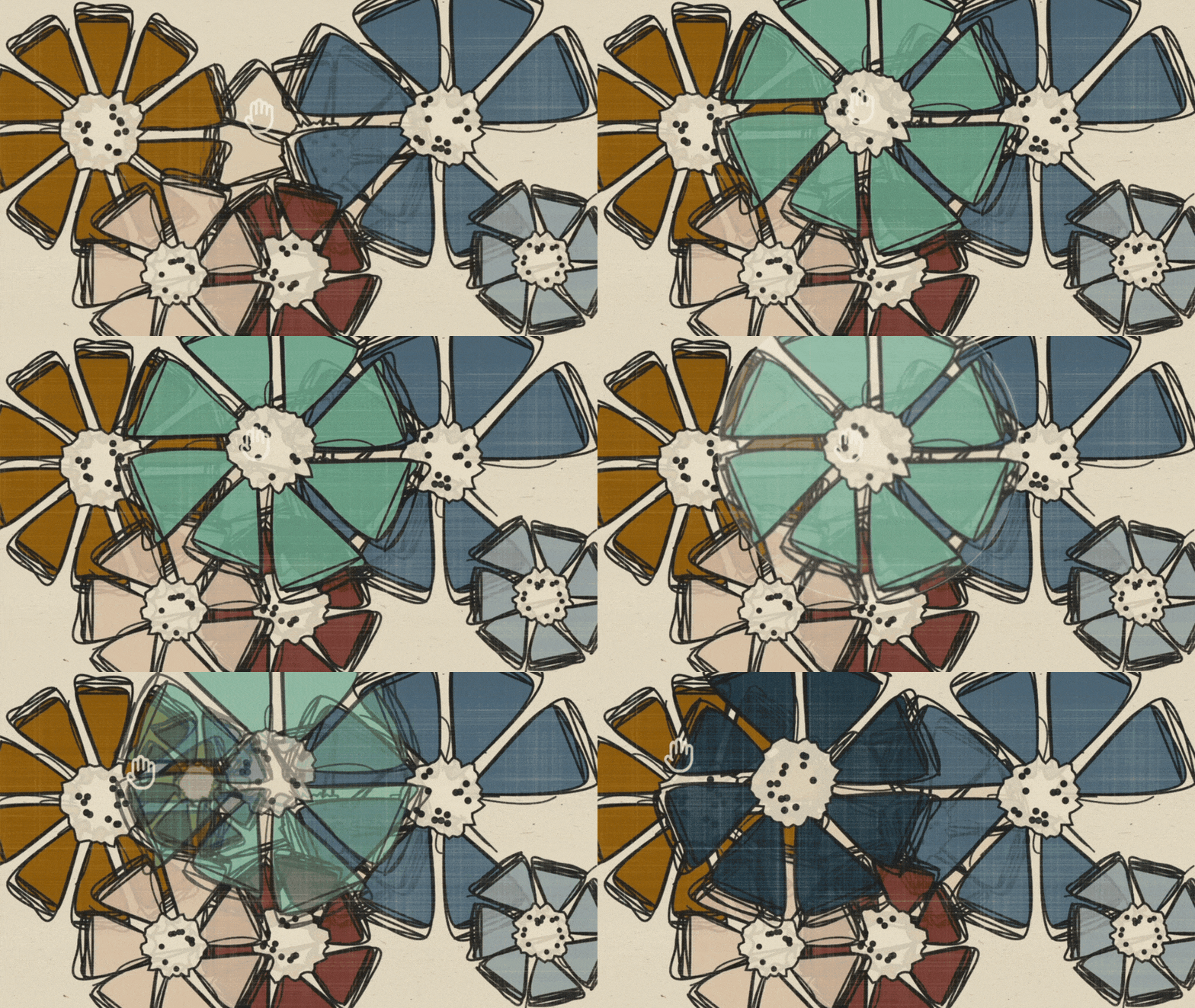
Each flower comes from a genetic algorithm that encodes color, shape, and structure capable of inheritance, variation, and mutation.

arrow pointing east

Textures

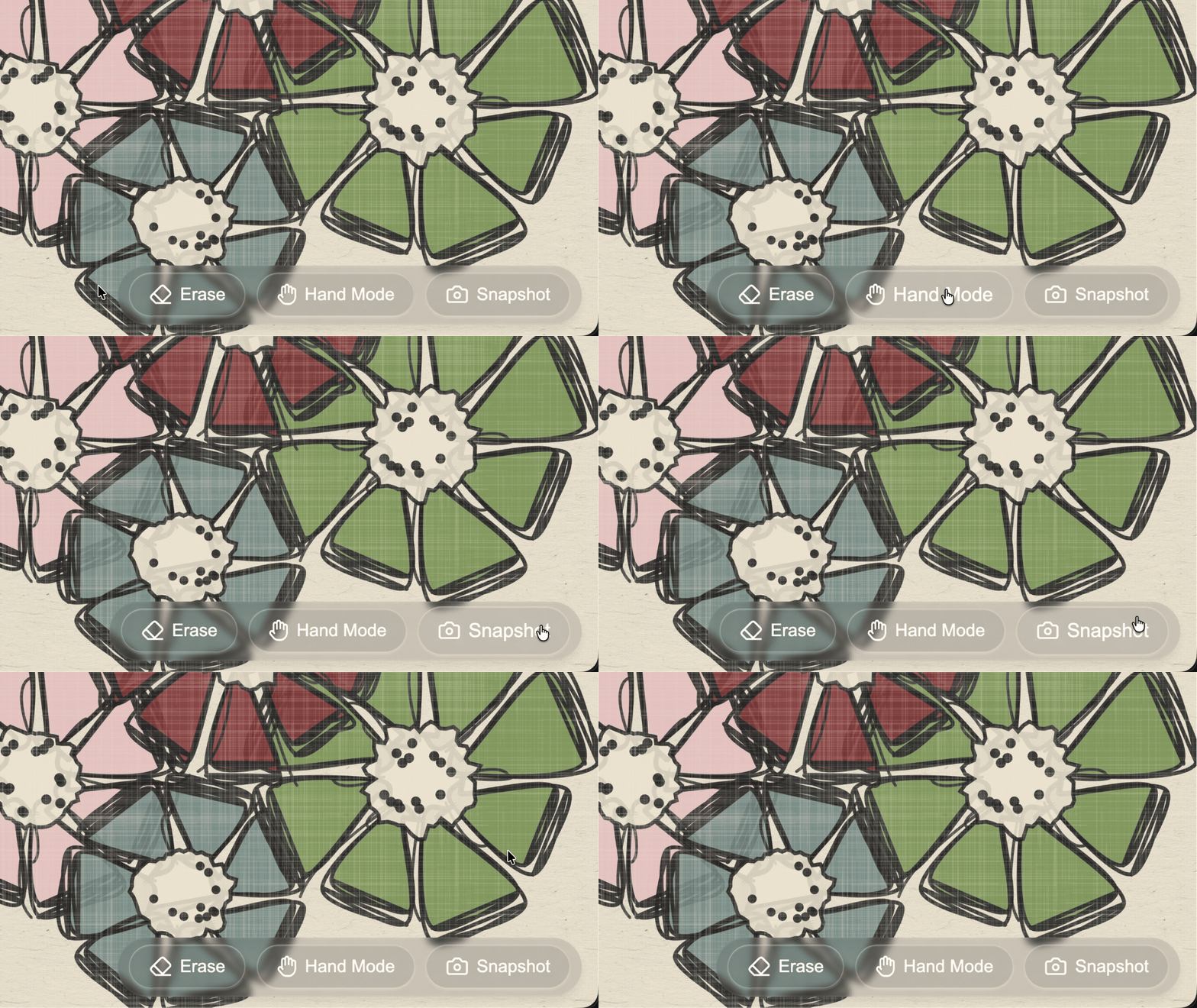
The visual combines a textured, paper-like digital canvas with glass interface elements to create analog warmth on a digital screen and a sense of depth.

arrow pointing east

Snapshot

A built-in snapshot feature captures the canvas, mimicking the feel of preserving moments using an analog instant camera.

arrow pointing east

Palette

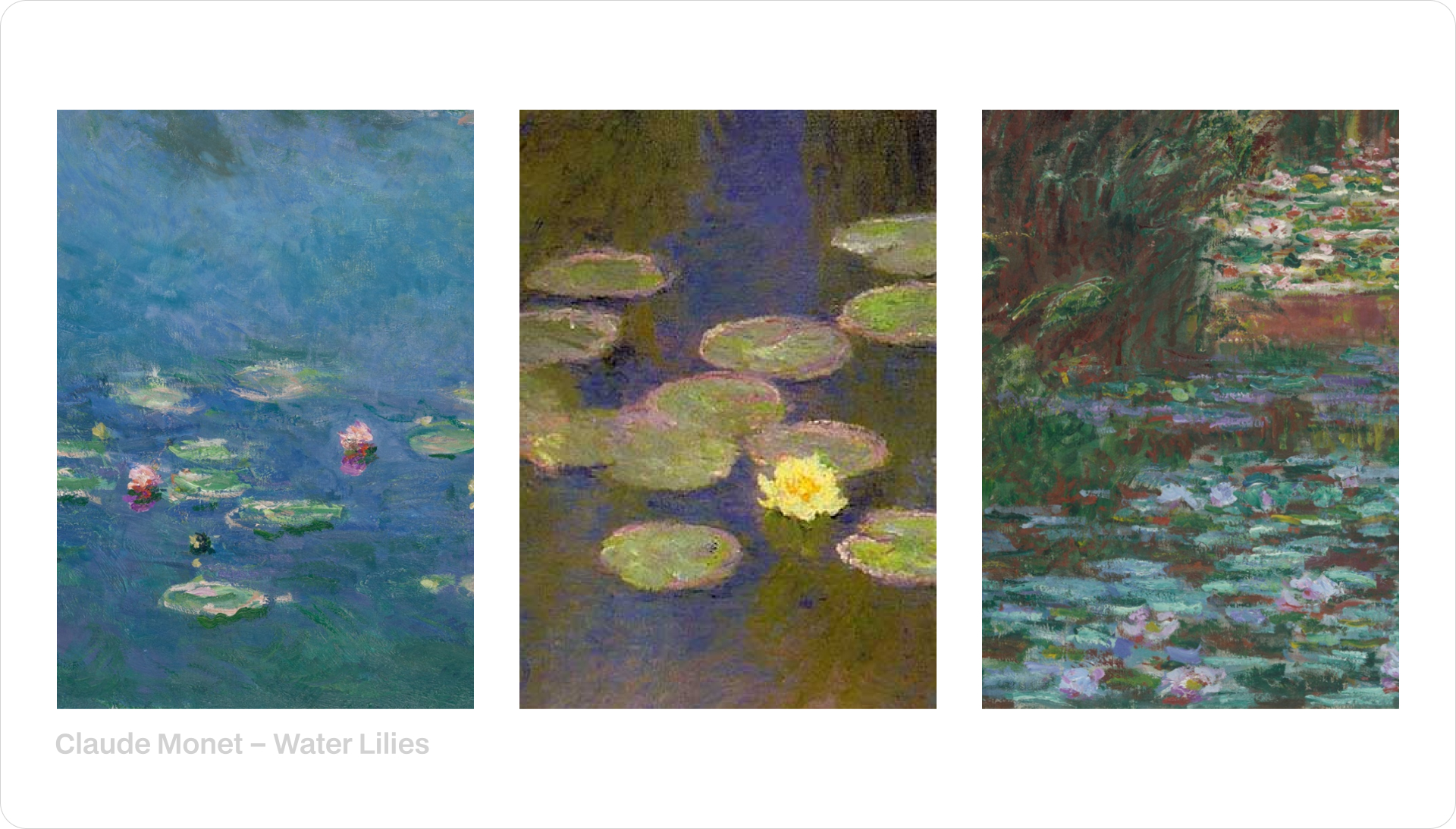
Inspired by Monet, the palette comes from muted florals and water-toned blues and greens.
The colors are meant to feel organic and slightly imperfect, embracing natural variation and flow to create a calm, living atmosphere.

Design System

Short

Concept

Reimagines a Familiar Childhood Object

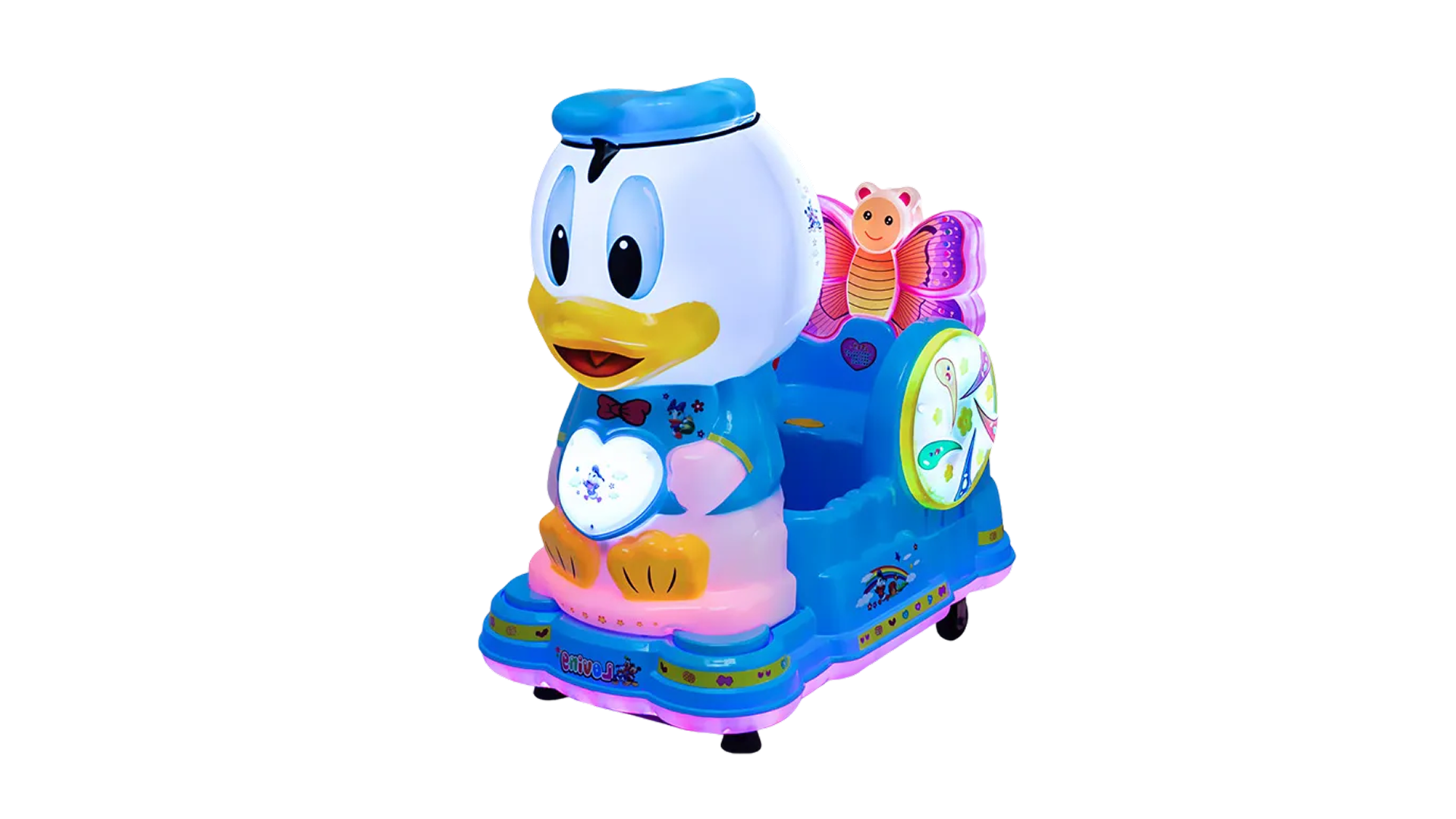
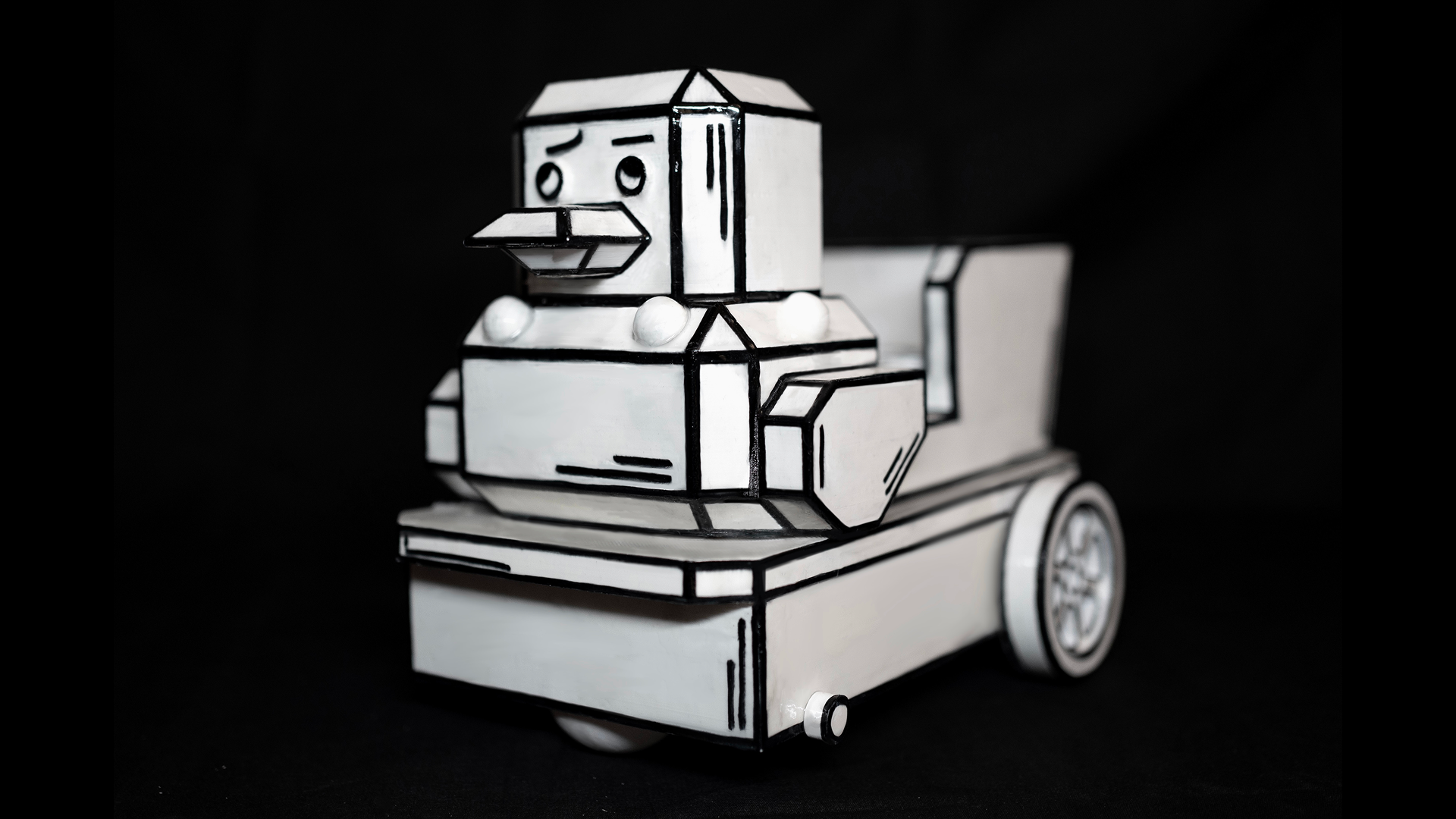
Arrival is a story about memory, told through a duck-shaped robot I built. It was inspired by something I knew deeply as a child: those colorful coin-operated rides parked outside grocery stores. You’d drop in a coin, climb on, and for a minute or two, it felt like the whole world paused. Mine was a duck. It played music, rocked back and forth, and for some reason, I believed it was alive. I rebuilt it — but without the music, without the interactivity. Just movement. Slow, uncertain, and arriving at night like a memory that doesn’t say much, but still finds you. The duck isn’t really alive, but it’s not just a machine either. It sits somewhere in between. That space between real and remembered is what this project is about. It doesn’t tell a full story. Instead, it tries to hold a feeling: When something you loved as a child returns in a slightly different shape. Strange. Quiet. Familiar.

Make

The Duck Enclosure

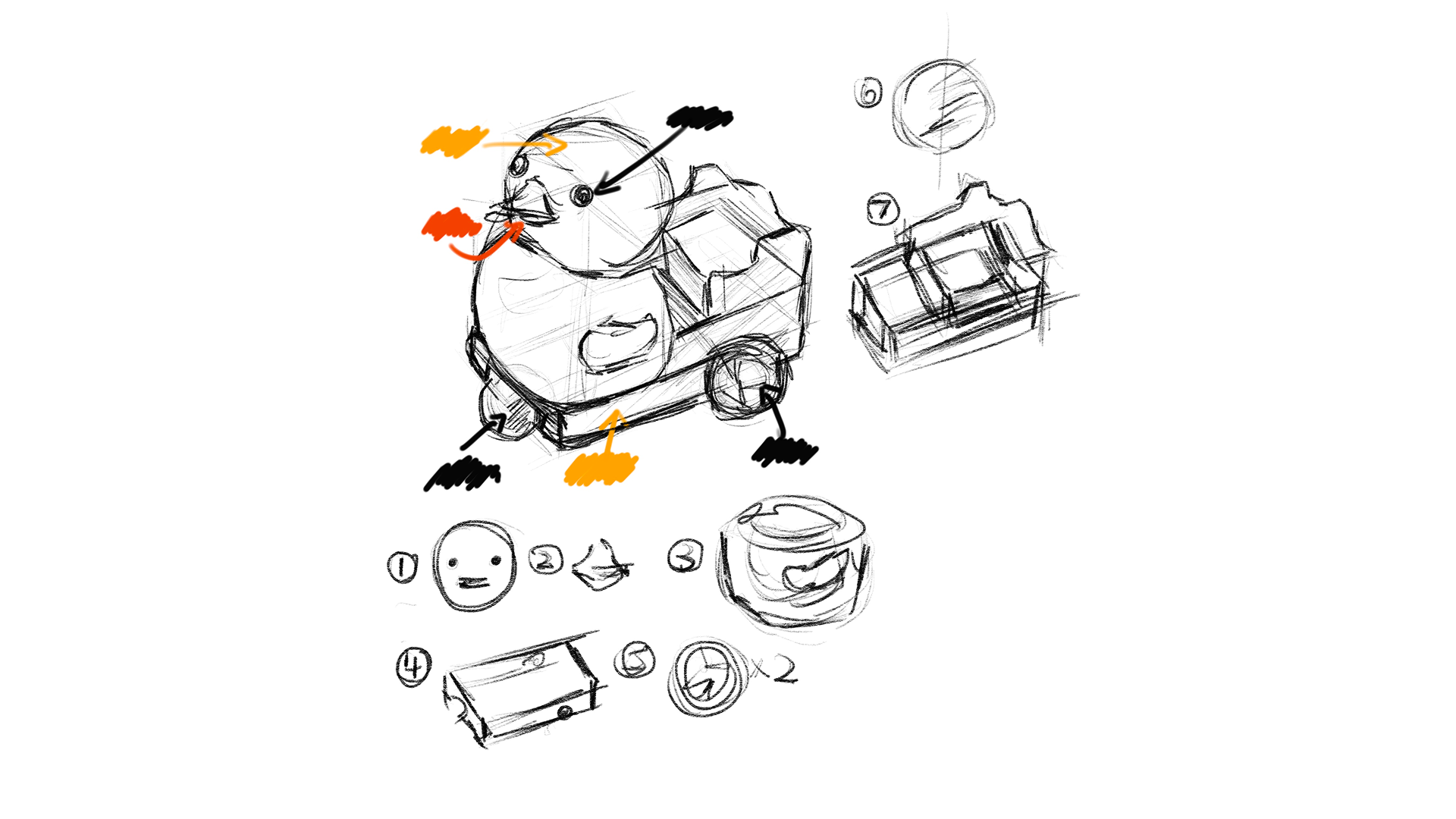
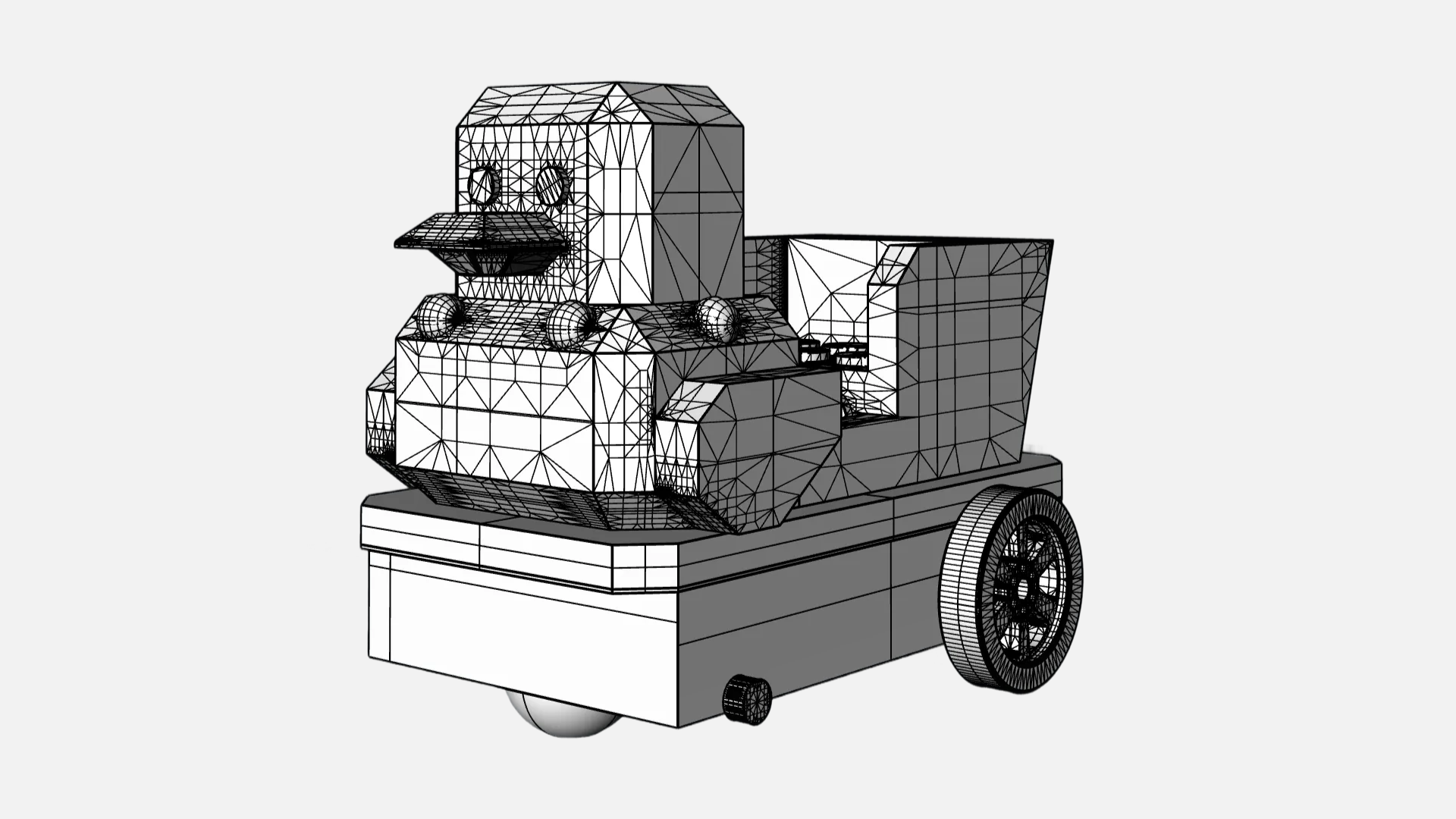
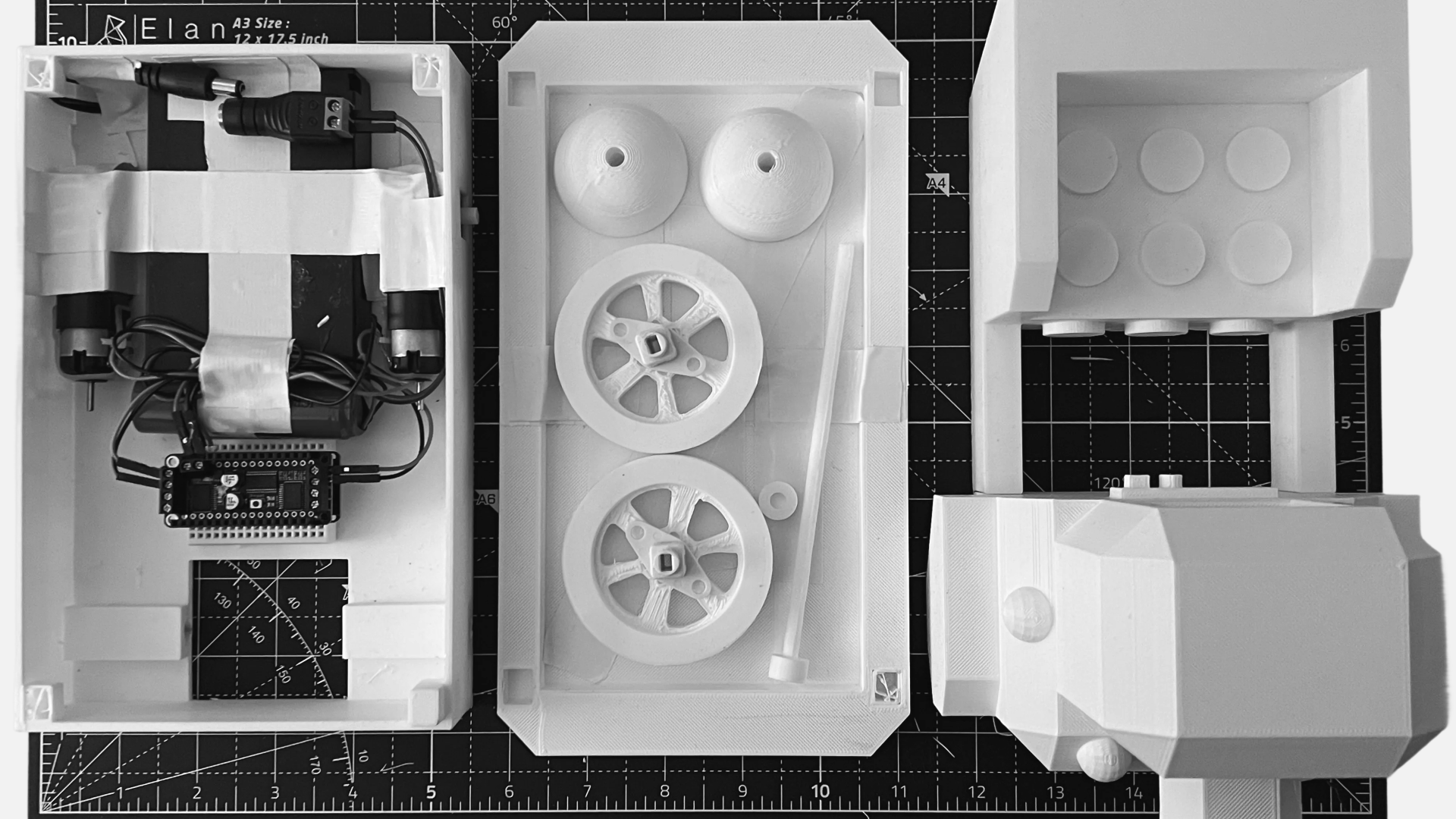
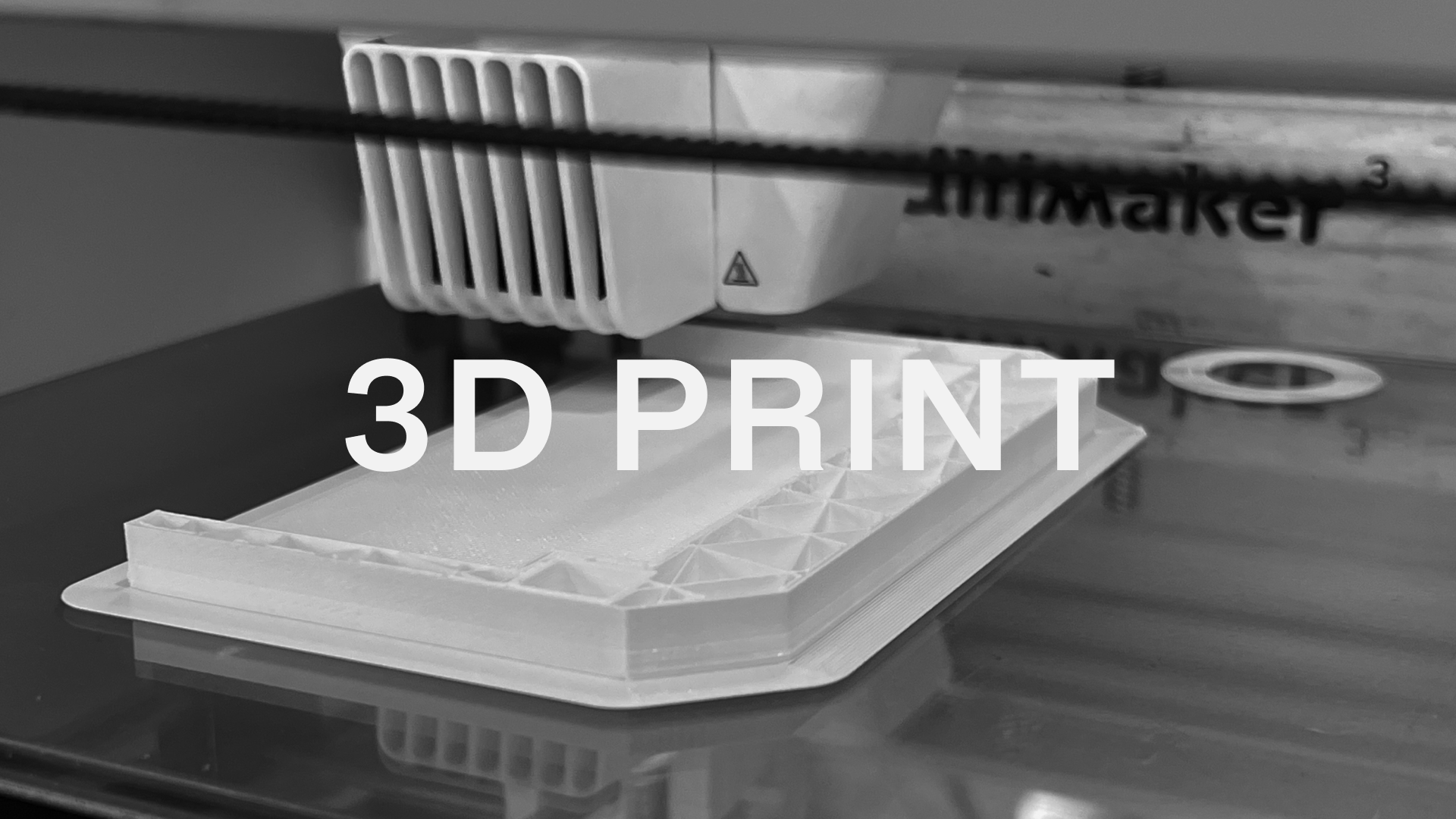
The duck bot started as a memory but I wanted to give it shape. I sketched from what I remembered: the oversized eyes, the rounded bill, the clunky but comforting proportions of the supermarket ride. From there, I modeled the body in Fusion 360. The final shell was 3D printed in multiple parts using PLA filament, then hand-sanded, glued, and assembled with internal mounting points for the electronics.

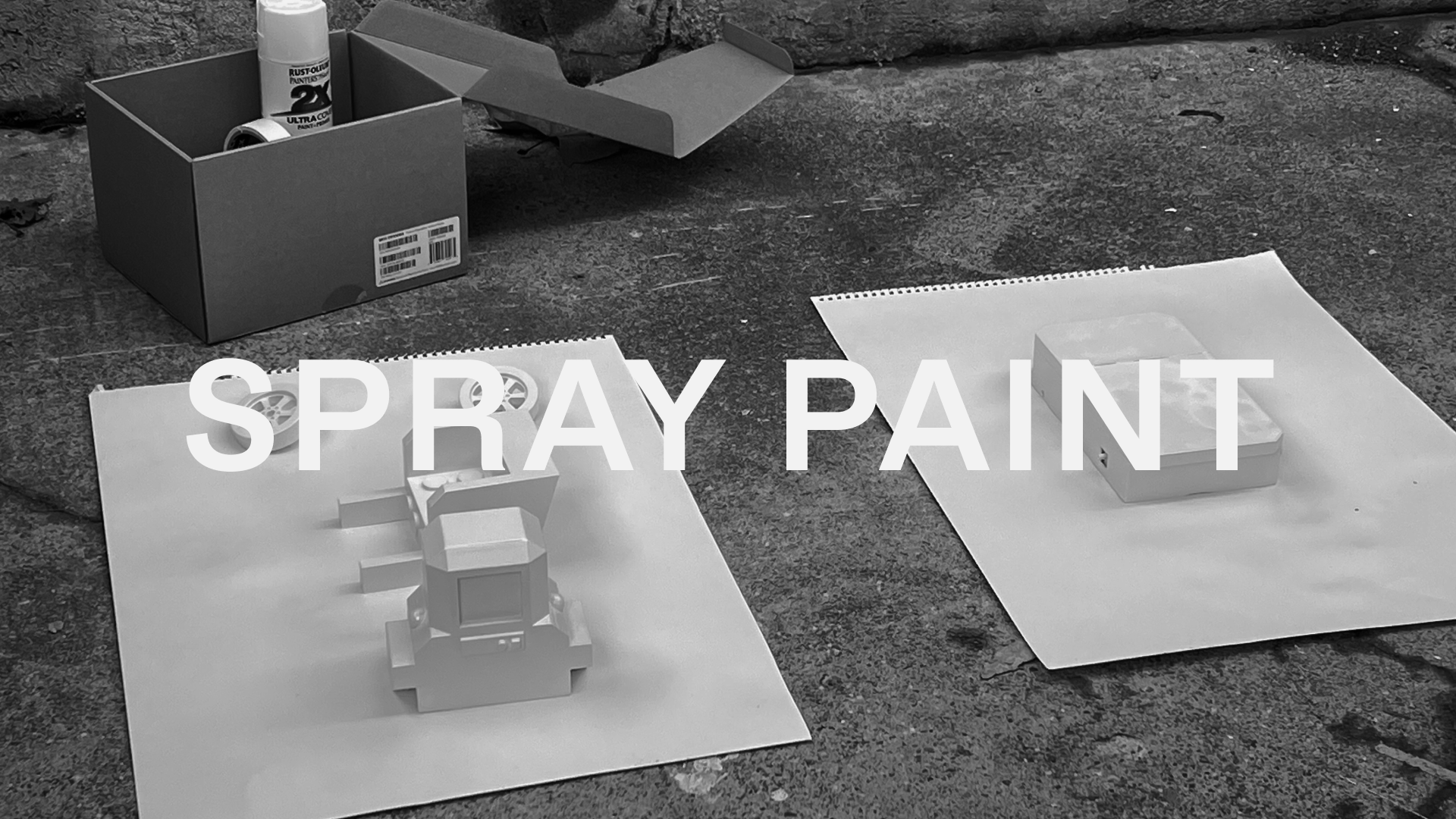
After assembly, I spray painted the surface and finished it with a glossy clear coat to bring back the plasticky shine I remembered from childhood. That overly bright, almost toy-like finish. To push it further, I added hand-drawn outlines around the edges using black marker to give the duck a cartoonish feeling, so the whole object feel less like a product and more like a character, and it is flat and dimensional at the same time.

Inside the Duck

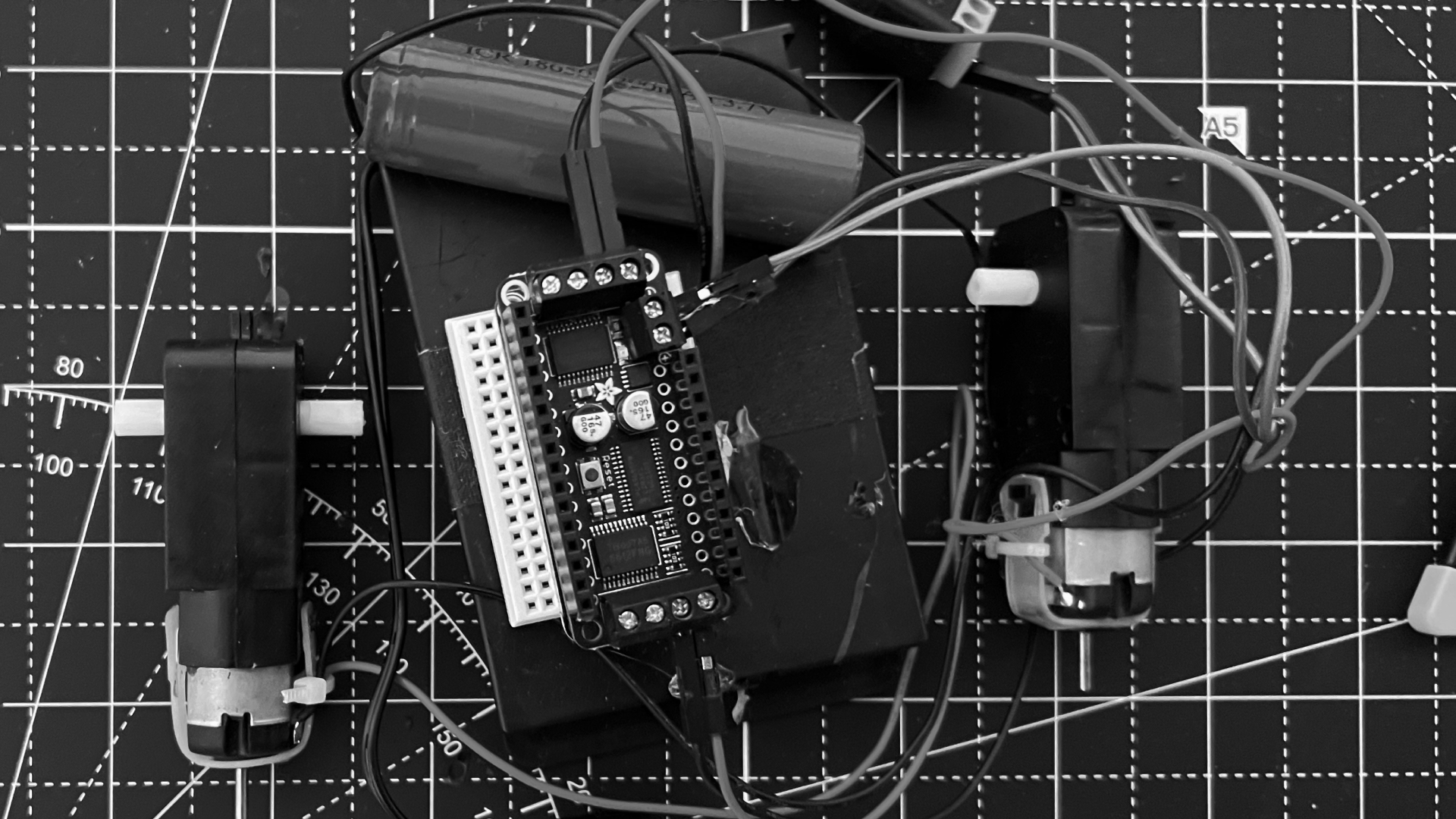
Inside the duck bot is a system of motors, power, and microcontroller. The bot is powered by a rechargeable 18650 lithium battery, connected to a small dual-motor driver and an Arduino-compatible Feather board. Two geared DC motors drive the rear axle, giving the duck slow, slightly uneven motion to make it feel less mechanical and more alive. The front wheel spins freely, letting it drift or turn subtly depending on the surface. Movement is controlled via Bluetooth using a serial connection from my phone, allowing me to cue short directional commands during filming.

The Final Duck Bot

Film

Filming the Arrival

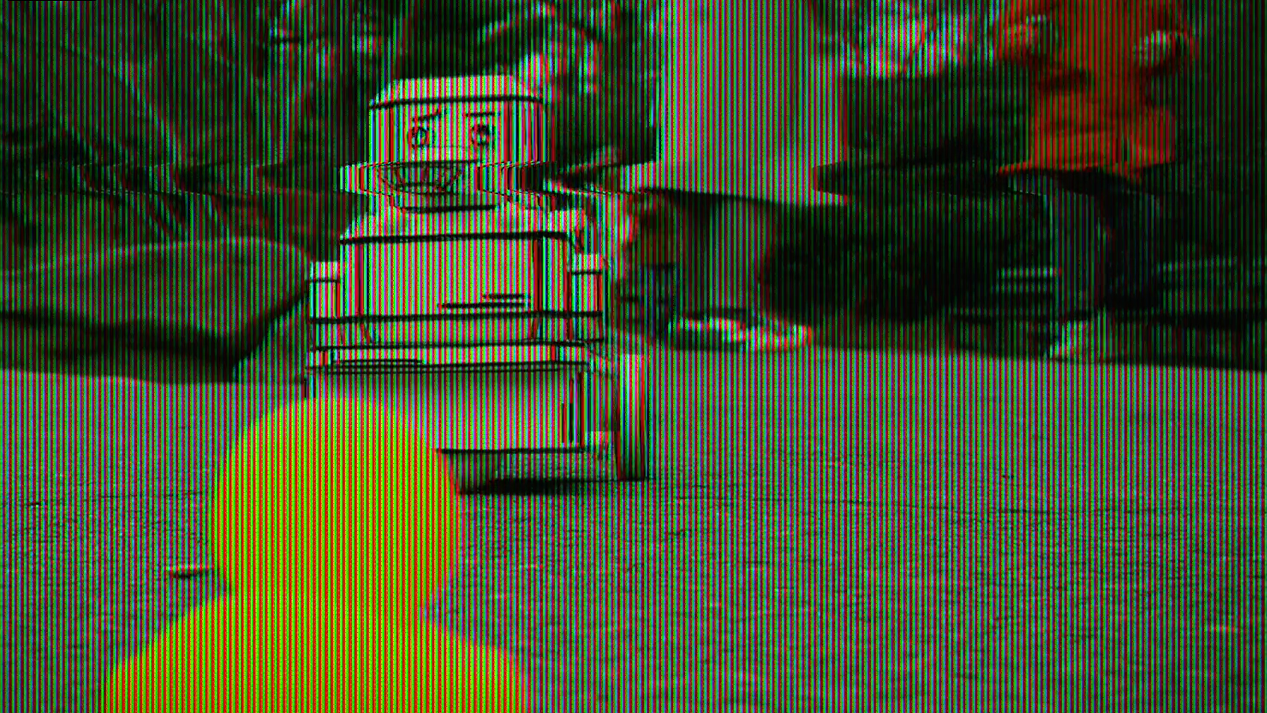
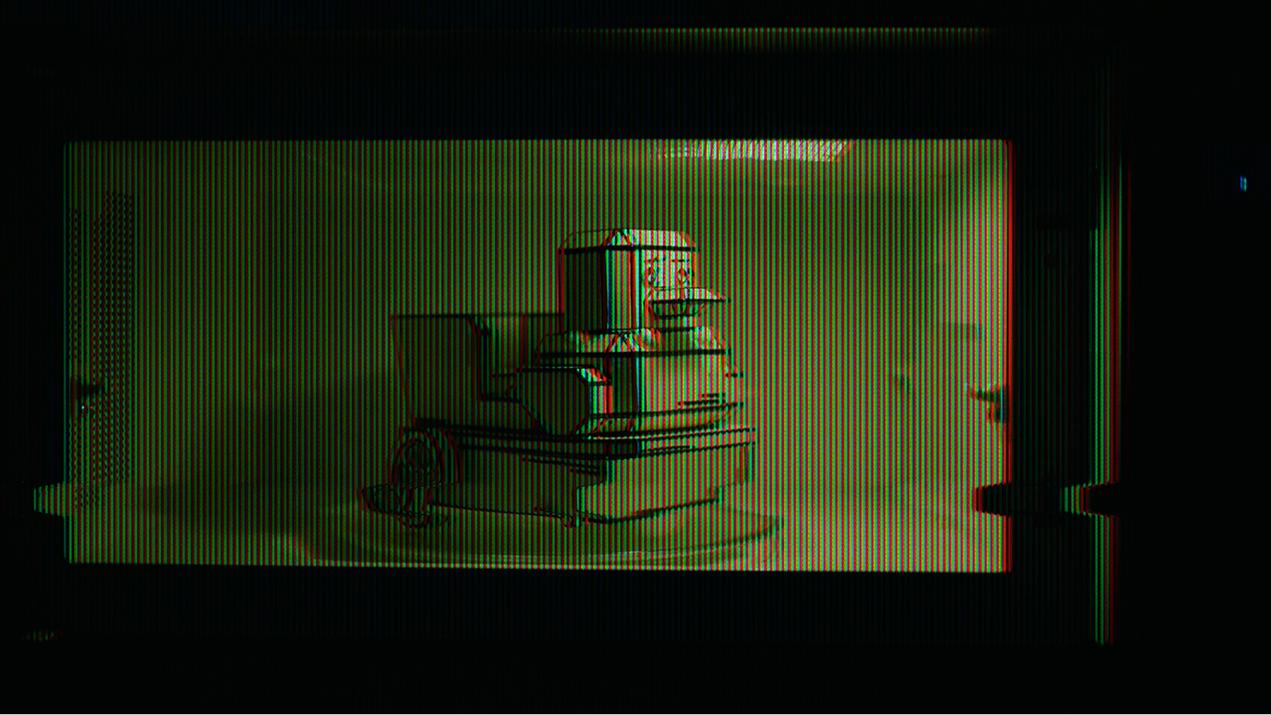
The video wasn’t just documentation; it was the story itself. I wanted it to feel quiet, slow, and slightly surreal. Like watching something familiar enter an unfamiliar world. The duck bot arrives not through a door or from a corner, but from a microwave, where a Peking duck transformed into a robot. The absurdity of that transformation is part of the story. It plays with the line between what was real and what’s been reimagined.

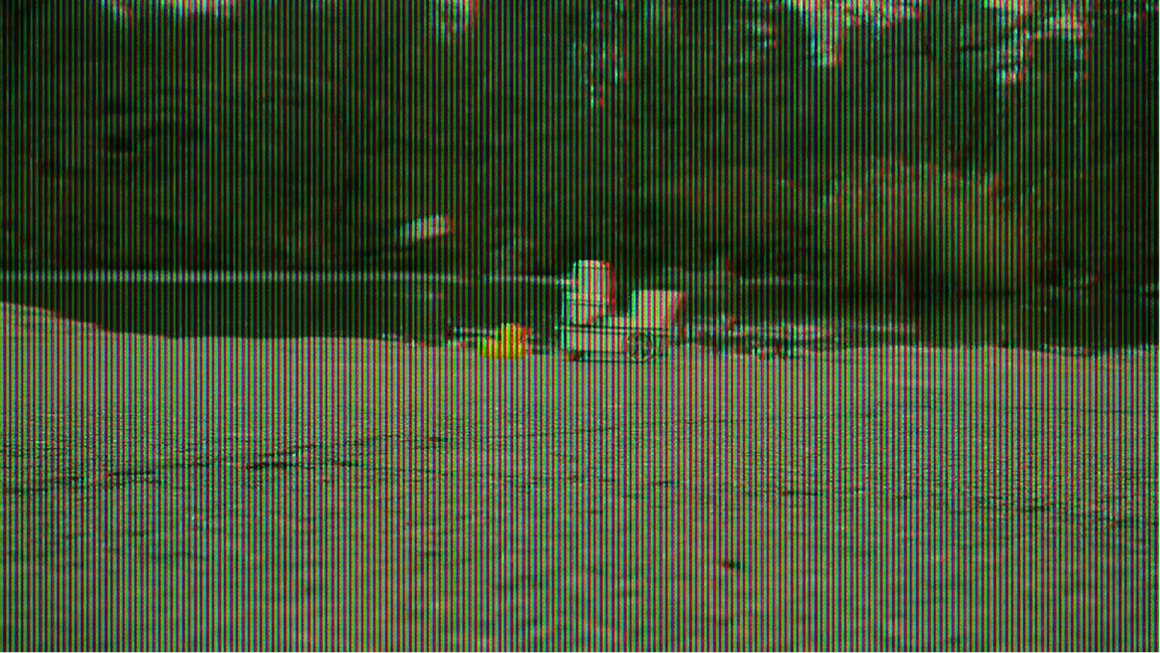
I filmed the initial sequence at night within an apartment setting. There’s no dialogue. Just the space. Just the human. Just the duck. Later, I filmed the remaining scenes in Central Park, the place where Holden Caulfield once wondered where the ducks go in winter. It was a cloudy afternoon. Cold, but soft. The duck bot wandered through the park, past bridges, and toward a yellow rubber duck I placed as a stand-in for something remembered. The transition from night to day, indoor to outdoor, was the closing gesture and a quiet answer to a question never fully asked.

Doc

Concept

Make a Wish, Everyday

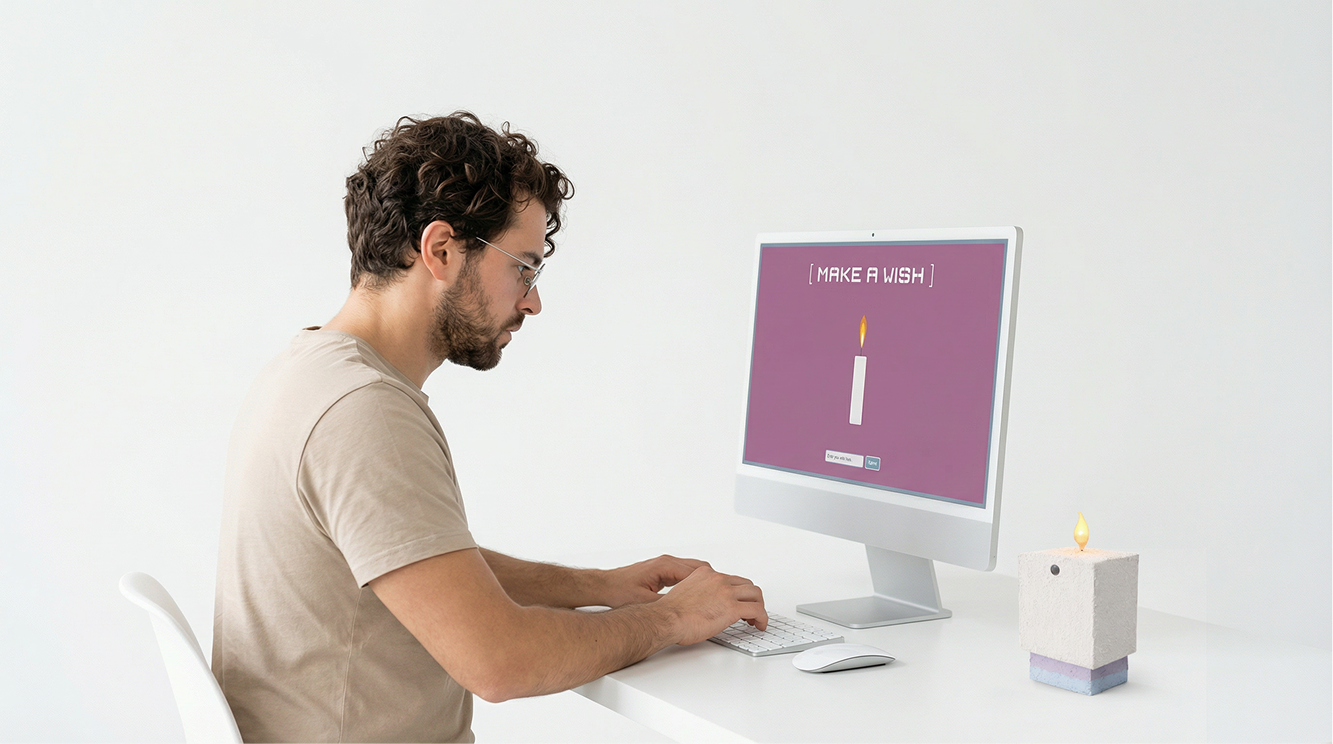
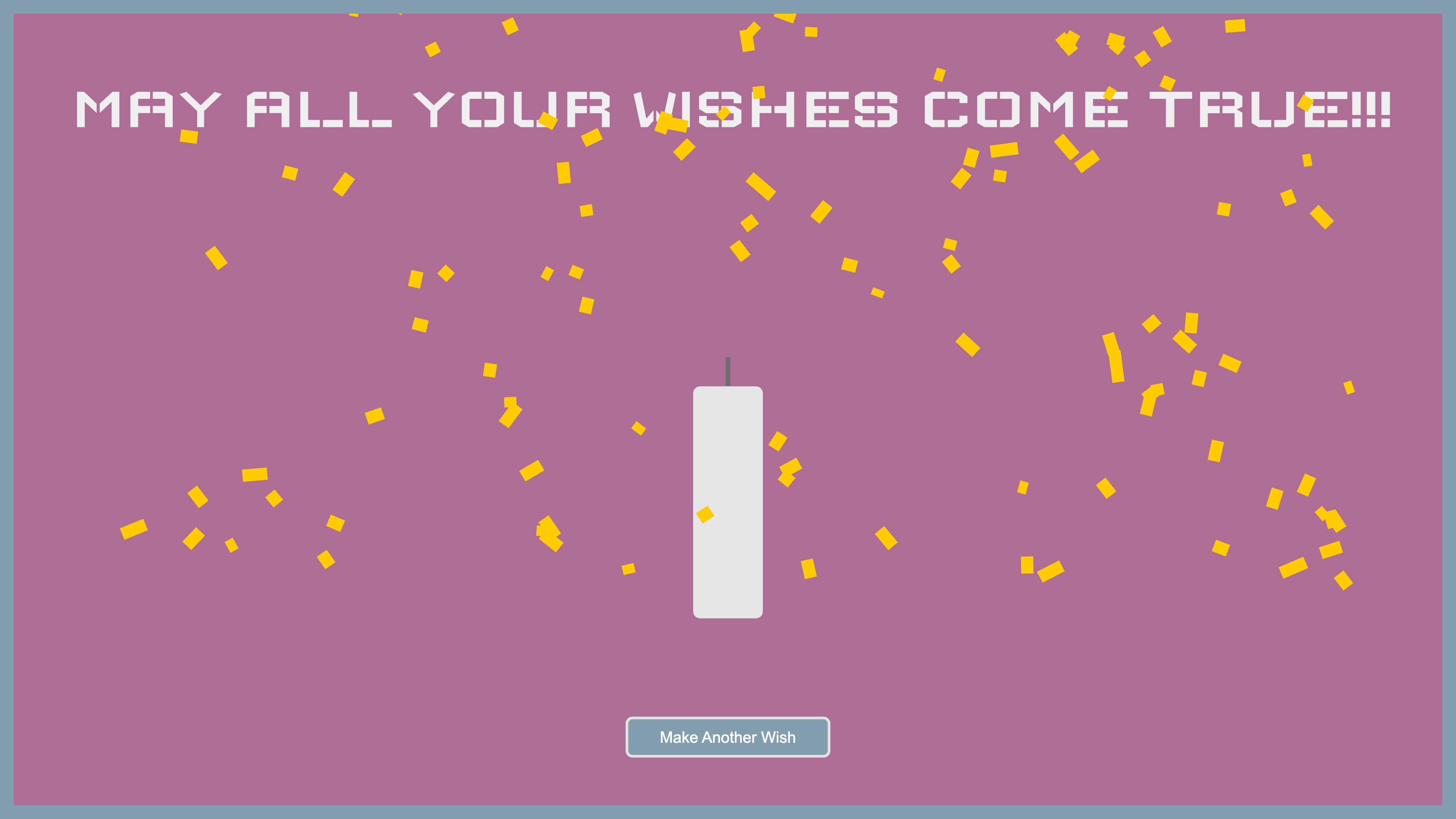
Wishes explores how everyday rituals can be reimagined through physical-digital interaction. From the simple act of making a wish and blowing out a candle, the piece invites participants to pause, reflect, and engage with a moment of quiet intention. Rather than saving wishes for birthdays or special occasions, Wishes suggests that hope and desire deserve space in our daily lives. By separating the act into two parts: a physical candle embedded with sensors and a digital screen that responds, the installation turns a private thought into a subtle exchange between human and machine. At its core, the project asks: What happens when technology supports not productivity, but presence?
How might we design for emotion, ritual, and small moments of magic?

Make

The Physical Candle

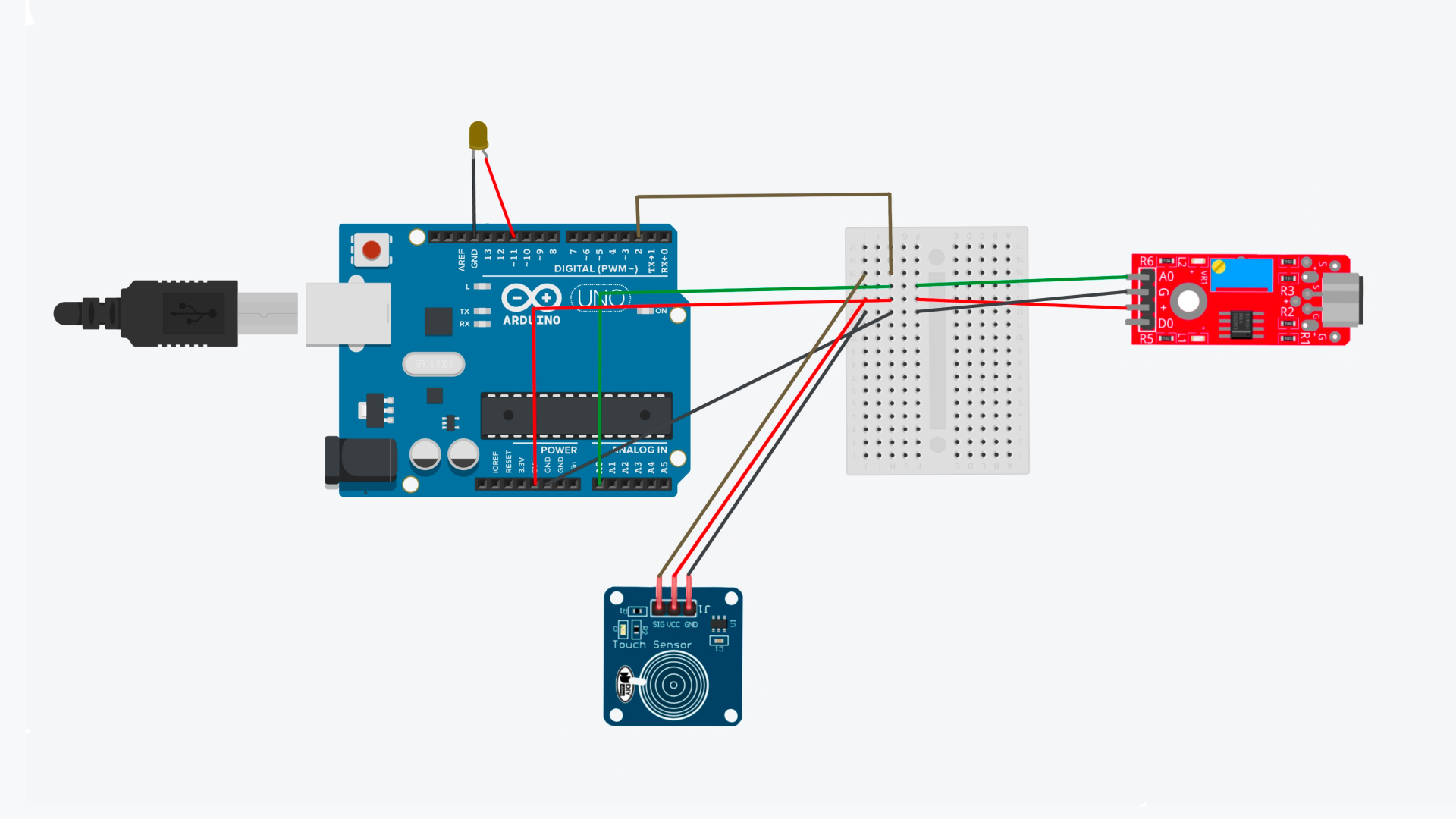
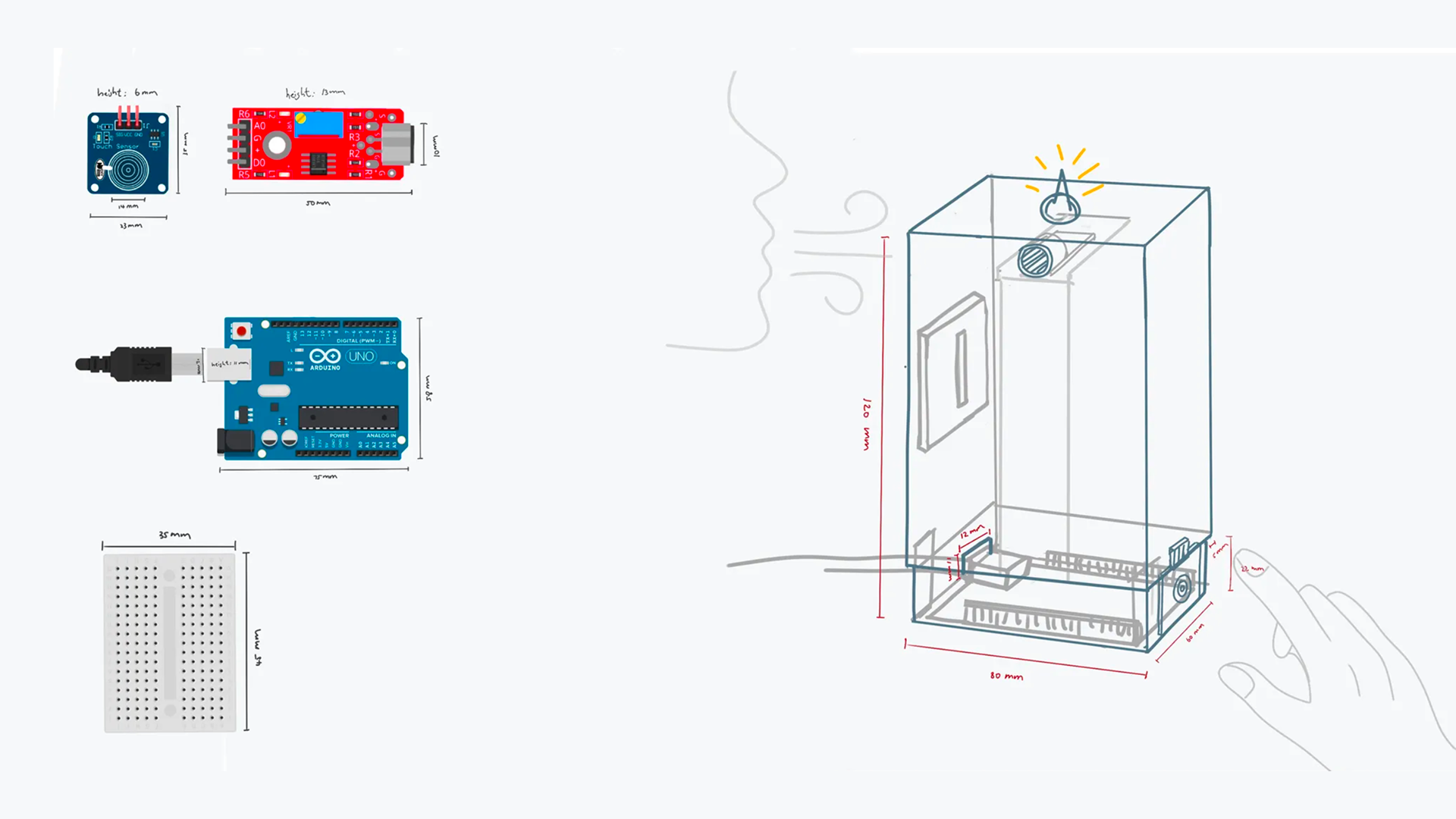
Wishes is made of two parts: a candle embedded with sensors and powered by an Arduino Uno, and a digital screen that responds alongside. Inside the candle’s enclosure, a sensor detects when a participant blows toward the flame, simulating the experience of extinguishing a real candle. A capacitive touch sensor adds an optional layer of interaction, allowing the candle to be toggled on and off. The flame itself is represented by a softly glowing LED that fades out once breath is detected, triggering a gentle message of luck on the connected screen.

The Digital Screen

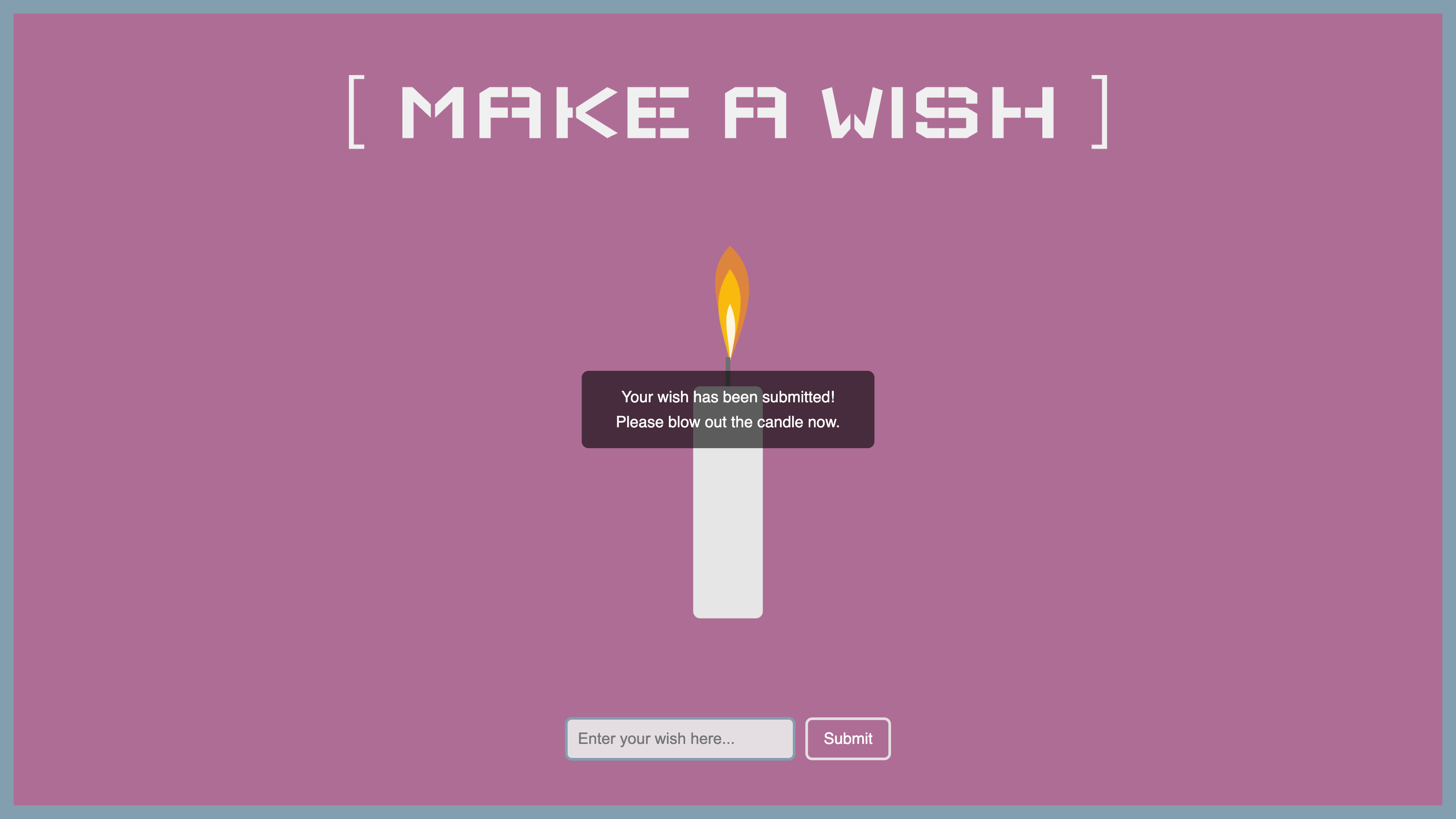
On the digital side, the screen displays a site where participants are invited to write their wish into a text field. Once the candle is blown out, the system displays a message. The interface is intentionally minimal and ambient to support the quiet, reflective tone of the experience.

Reel

Concept

Designing systems instead of static visuals

In this project, I explored how expressive visuals can emerge from rule-based systems through p5.js. I designed generative experiments across 2D and 3D geometric forms. Simple geometric primitives are combined through rotation, balance, and parameter-driven motion to produce complex, character-like behaviors without relying on predefined animation. By adjusting parameters such as angle, scale, and temporal offset, the system generates varied poses and movement patterns, demonstrating how expressive behavior can emerge from minimal geometric rules.